
Your needs, this model
Does it fit your priorities?
Can the Signal HD60 pass 4K60 while I capture 1080p60?
Yes, that is the documented split path: NZXT says it can read and pass through a 4K signal, while the HD60's recording/streaming ceiling is 1080p60. HDR is not supported by the HD60, and the source should be free of HDCP protection for capture.
Explore this need in the finder →Does Signal HD60 capture 4K because its passthrough accepts 4K60?
No. NZXT's support comparison explicitly says the HD60 can read and pass through 4K but cannot record or stream that signal to the PC. The official manual's Stream & Record table stops at 1080p60.
Explore this need in the finder →What cables does the Signal HD60 manual list in the box?
The manual's components list names a 150 cm HDMI cable, a 100 cm USB-C-to-USB-A cable and a quick-start guide with the capture card. Check the actual seller's package and cable condition rather than assuming every used or open-box offer includes those items.
Explore this need in the finder →This assessment covers the exact NZXT Signal HD60 model ST-EESC1-WW. It is based on NZXT's manual and support guides plus a U.S. retailer's model record for identity; no unit was purchased or tested. The important point is that the HD60's 4K input/pass-through limit is not its recording resolution.
Read the capture and display paths separately
NZXT's manual describes HDMI 2.0 input and output, USB 3.2 Gen 1 over USB-C, and one capture channel. Its Stream & Record table tops out at 1920×1080p60. The separate maximum input/pass-through table includes 3840×2160p60, along with lower resolutions. NZXT's own support guide spells out the consequence: the HD60 can read and pass through a 4K signal, but it cannot record or stream that 4K signal to the computer. A buyer who needs a 4K60 display while sending a 1080p60 stream can consider it; someone who needs a 4K file should not mistake the passthrough number for capture.
The published connection is practical but specific. The manual lists a 150 cm HDMI cable and a 100 cm USB-C-to-USB-A cable with the capture card. USB-C carries both power and data, but the host side must be USB 3.2 Gen 1 or faster as documented; a USB 2.0 port is not the intended operating path. NZXT identifies the HDMI output as optional and recommends it for a console or two-PC arrangement. If the computer and display are in different places, cable lengths and where the streaming PC sits become part of the purchase decision.
Where the HD60 fits among Signal models
NZXT explicitly says the HD60 does not support HDR. The Signal 4K30 is the higher-mode sibling: its manual lists 4K30 recording and a different set of HDR/high-refresh input and passthrough timings. That is a real functional difference, not a naming or finish variation. The HD60 remains the simpler fit when a 1080p60 feed is sufficient and the extra 4K30 / 1080p120 recording capability is not needed. The older Razer Ripsaw HD also documents a 1080p60-plus-4K60 path, but adds separate 3.5 mm audio connections and uses a different host/software support history.
NZXT's support material names both HD60 and 4K30 as video devices in its OBS walkthrough. That guide shows a PC, a USB 3.2 Gen 1 connection, HDMI In, and a way to select the Signal audio device. It also warns that a source may need HDCP disabled; always-on protected outputs such as some older consoles are not compatible with most capture devices. This is why “HDMI input” does not mean every video signal can be recorded.
Audio and accessories are part of the setup
The HD60 manual lists two-channel, 16-bit, 48 kHz HDMI audio. NZXT's separate chat-cable guide explains that console headset chat can require an additional routing accessory, depending on where the headset is plugged in and what audio must reach the recording. The manual's package contents do not list that Chat Cable. A buyer who needs both game audio and microphone/chat should map the source, controller, headset, capture card and PC line-in before selecting an offer. OBS can expose the Signal video and audio devices, but levels and monitoring still need configuration.
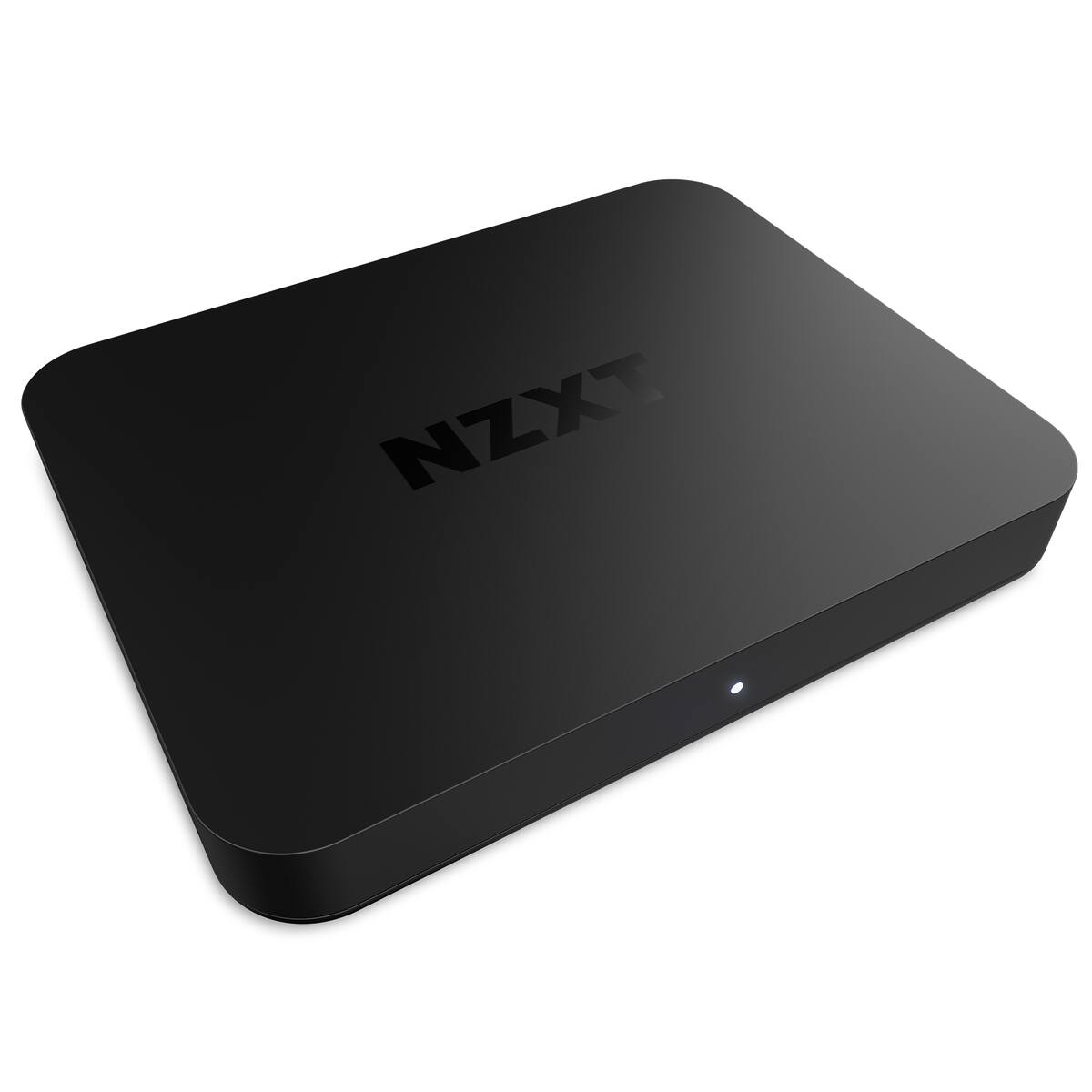
The exact US model code matters because retailer text sometimes collapses several different capture formats into one short specification. The reviewed retailer record names ST-EESC1-WW; NZXT's manual confirms the same product code. Its item-specific image is a simple black enclosure and does not visibly distinguish the HD60 from the 4K30. Treat the image as a model-reference photo from an item page, not as proof of the mode table. Check the code on the offer itself and verify which cables are actually included.
Limits and lifecycle
This is an earlier product in the catalog, while NZXT's support material continues to document it. A U.S. retailer page consulted for the exact model no longer showed a new-condition offer; that is a statement about that retailer's catalog, not a claim that every new or used source has disappeared. This review does not estimate price, inventory or current warranty eligibility. The USB 3.2 Gen 1 host, HDMI 2.0 mode table and 1080p60 ceiling are the decision points that remain true even if the seller's offer changes.
Choose it only if 1080p60 capture is an intentional ceiling, HDR is not required, and USB 3.2 Gen 1 is available. The sources do not establish a macOS or iPadOS plan for this exact model, so this assessment recommends the documented Windows/OBS PC workflow rather than assuming cross-platform compatibility. The card can meet a modest console or second-PC job, but its current support page should not be read as a guarantee for every source, app version or seller package.
Buying checks
- Confirm the offer says NZXT Signal HD60, model ST-EESC1-WW, rather than Signal 4K30 ST-SESC1-WW.
- Match the actual requirement to 1080p60 capture; 4K60 is input/pass-through compatibility, not a 4K recording mode.
- Check the computer has a USB 3.2 Gen 1 data port and that the seller includes the 100 cm USB-C-to-USB-A and 150 cm HDMI cables if you need them.
- Verify the source can disable HDCP when necessary, the display accepts the chosen signal, and OBS recognizes the device.
- For console headset chat, confirm whether an additional NZXT Chat Cable or separate mixer/routing path is needed and whether it is in the offer.
This is a standards-based fit assessment, not evidence of low latency measured by our team or a claim that the pictured unit was tested.
Key specifications
Key details at a glance
| Signal input | hdmi_2_0_unencrypted |
|---|---|
| HDMI generation | HDMI 2.0 |
| Confirmed capture formats | 1920×1080 progressive at 60/50/30/25 fps; 720p at 60/50/30/25; 576p at 50/25; 480p at 60/30. The 4K60 figure belongs to input/pass-through compatibility, not recording. |
| Confirmed passthrough formats | 3840×2160p60 / 2560×1440p60 / 1920×1080p60 / interlaced and SD modes listed in the manual |
| Computer connection | External USB 3.x host link; check this model's stated generation and port rate |
| Named compatible software | OBS Studio / NZXT CAM for supported device settings/software or firmware updates |
| HDR recording | No hdr mode is documented; nzxt explicitly says signal hd60 does not support hdr. |
| Analog audio input | Hdmi stereo, two-channel 16-bit/48 khz. the optional chat cable is a separate audio-routing accessory, not listed in the hd60 package contents. |
Use the exact model’s instructions for operating limits, supplied equipment and version differences.
Sources for this review
Sources for this assessment
- Streaming from your Console, Camera, or Mobile Device — NZXT Support Center
- NZXT Signal HD60 English manual
- NZXT Signal HD60 Chinese manual — exact product model code
- Play and Stream with your Console on your PC — NZXT Support Center
- Two PC Setup Tutorial — Signal Capture Card
- Is my NZXT Device Compatible with NZXT CAM?
- Best Buy U.S. Signal HD60 catalog record — model identifier only
- Best Buy U.S. exact-item image for NZXT Signal HD60

Check your complete signal path
Choose the source format, desired captured signal, passthrough target, computer connection and software together. A single device must support that whole arrangement.