
Your needs, this model
Does it fit your priorities?
Can Signal 4K30 record 4K60?
No 4K60 recording mode appears in NZXT's exact manual. It lists 4K30 as the maximum stream/record resolution, while 4K60 HDR appears in the separate maximum input/pass-through section. Treat these as separate paths, not an interchangeable maximum.
Explore this need in the finder →Does the 4K30's HDR passthrough mean it records HDR?
Not on the evidence reviewed. The manual names HDR10 passthrough and says the hardware converts to SDR color; it does not list a supported HDR recording mode. Choose this device for documented capture resolutions such as 4K30 or 1080p120, not as proof of a preserved HDR file.
Explore this need in the finder →Can it record 1080p120?
Yes, the manual lists 1920×1080p at 120 fps in its Stream & Record resolutions. The corresponding operating plan does not claim that every separate maximum passthrough mode can run at the same time; confirm the exact source timing, USB 3.2 Gen 1 connection and software settings.
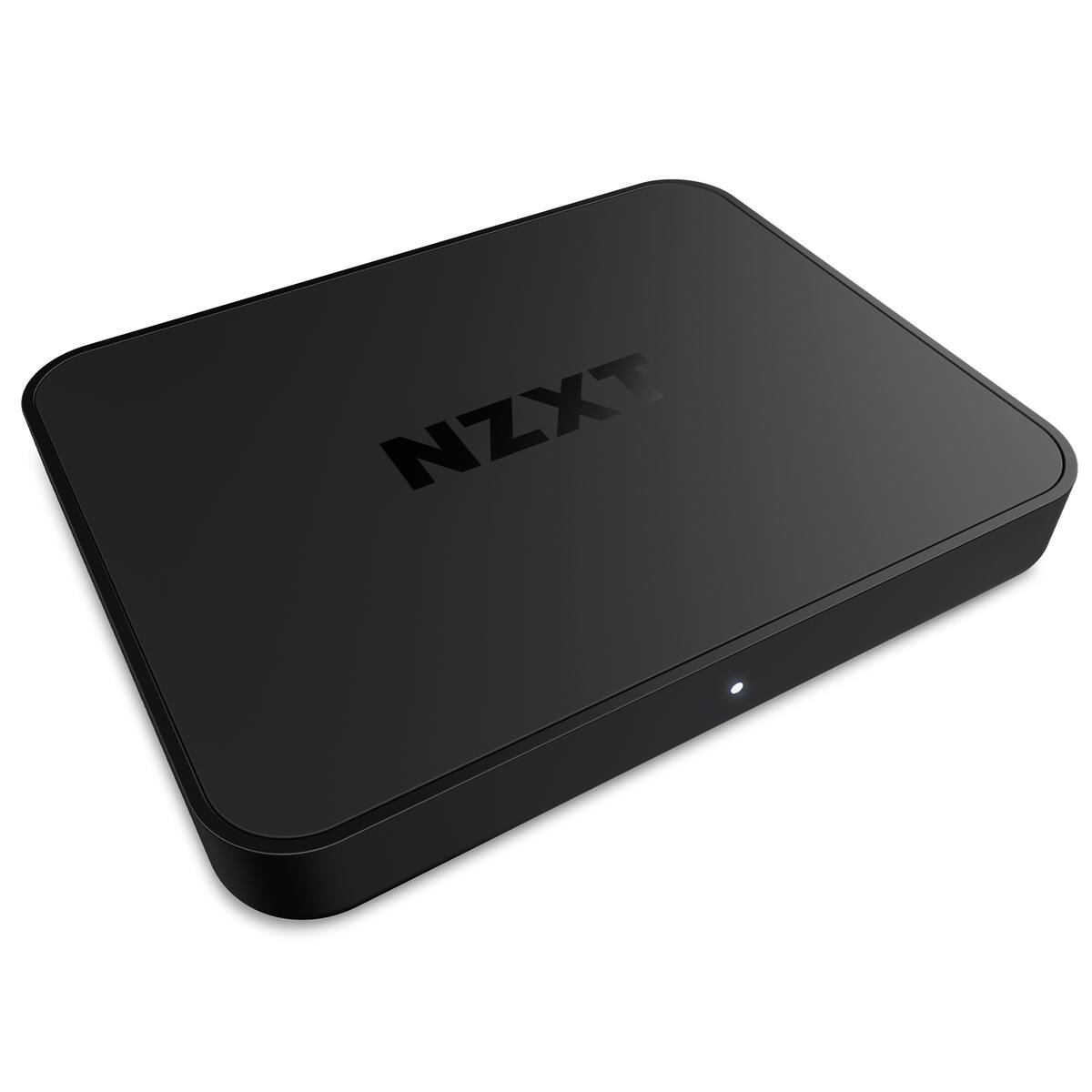
Explore this need in the finder →This review covers NZXT Signal 4K30 model ST-SESC1-WW, using the manufacturer's manual and Signal support guides. A U.S. retailer record is used only to corroborate its model code and image. The product is more capable than the HD60, but “4K30” is the recording ceiling—not 4K60 capture.
One name, two different sets of modes
NZXT's exact manual separates “Maximum Input & Pass Through Compatibility” from “Stream & Record Resolutions.” For capture, the table lists 3840×2160p at 30 fps, 2560×1440p up to 60 fps, and 1920×1080p up to 120 fps, along with lower SD/HD timings. The input/pass-through table lists 4K60 HDR, 1440p144 HDR and 1080p240 HDR. Those figures should not be added together into a claim that the card records 4K60 or records at 1440p144/1080p240. NZXT's support guide makes the distinction useful in ordinary language: the 4K30 is the model for 4K30 recording or higher display frame rates; the Signal HD60 is the 1080p60-only choice.
The manual says HDR10 passthrough includes hardware conversion to SDR color. That is an important caveat for anyone hoping the file will preserve HDR. The source supports a documented HDR-capable display path, not a specific HDR recording mode. The questionnaire therefore does not treat this card as an HDR recorder. The manual also does not publish a full simultaneous mode matrix for every capture rate and every passthrough timing. In this assessment, the standard 1080p60 / 4K60 passthrough plan is kept distinct from the higher 1080p120 capture plan; no claim is made that every maximum can run concurrently.
Host, cabling and app
The unit is external, with HDMI 2.0 input/output and USB 3.2 Gen 1 Type-C carrying power and data. Its box list includes a 100 cm USB-C-to-USB-A host cable and a 150 cm HDMI cable. That connection is more than a shape check: choose a USB 3.2 Gen 1 or faster data port, not a charging-only connector or USB 2.0 socket. NZXT's PC setup guide shows the card being selected as a video capture device in OBS Studio, and its two-PC instructions describe routing the gaming PC into HDMI In and the gaming display from HDMI Out. A separate stream PC still needs adequate USB bandwidth, a supported streaming program and an audio plan.
The manual lists two-channel 16-bit/48 kHz HDMI audio. NZXT's optional Chat Cable is not part of the package list. If the routine depends on controller-connected headphones and in-game chat, check whether that accessory or another mixer/routing device is needed; game audio alone and chat microphone audio are not always the same signal. NZXT also points to CAM for device settings and updates, but the CAM listing is not proof that every current firmware, operating system and OBS release will support every format.
How it compares with the other cards here
Compared with the Signal HD60, this model adds 4K30 recording, 1080p120 recording and higher supported passthrough modes. It does not turn the 4K60 passthrough limit into 4K60 recording. Compared with the Razer Ripsaw HD, it is the more capable capture mode on paper for 4K30/1080p120, while Razer's model has a separately documented analog microphone/auxiliary audio path and an ambiguous support-table entry for 2160p30. These differences support different workflows; none tells you whether a specific computer will encode a stream smoothly.
There is a source conflict worth noticing before a purchase: a retailer's short listing for ST-SESC1-WW presents 2160p60 as a maximum capture resolution, while NZXT's detailed manual lists 4K30 in the stream/record table and 4K60 in the input/pass-through table. This assessment follows NZXT's exact manual rather than the retailer's generic specification. The official U.S. support page uses the model's 4K30 name and explains the capture/passthrough distinction. If an offer promises more, ask the seller for the exact mode table for this exact model code instead of relying on a headline.
Boundaries and lifecycle
Signal 4K30 is an earlier model, although NZXT's current help pages still list it for CAM/support workflows. The retailer catalog record reviewed for the U.S. identifier did not offer a new-condition purchase; this is not proof about all sellers or all used units. No price, stock position or current warranty eligibility is inferred here. The model code ST-SESC1-WW is the useful anchor when comparing a listing, manual or package.
The card fits a Windows/OBS HDMI setup where 4K30 or 1080p120 recording matters and the host has a suitable USB 3.2 Gen 1 port. It is a poor match for a hard requirement of 4K60 capture, HDMI 2.1, preserved HDR recording, or a guaranteed 1080p120-plus-4K60 simultaneous combination. Check the source format, exact display mode, USB link and sound routing before buying. A “4K30” label tells you the product's documented recording class; it does not settle those other compatibility questions.
Buying checks
- Verify the item is Signal 4K30 model ST-SESC1-WW, not Signal HD60 ST-EESC1-WW.
- Use NZXT's capture table for a recording requirement: 4K30 maximum, 1440p60 or 1080p120; 4K60 HDR / 1440p144 / 1080p240 are separate input/pass-through modes.
- Confirm a working USB 3.2 Gen 1 data port, included host and HDMI cables, and the exact streaming app/driver required by the computer.
- For HDR, understand that the manual describes HDR10 passthrough with hardware conversion to SDR color, not an HDR recording file.
- For 1080p120 capture plus high-rate passthrough, ask for the exact simultaneous mode matrix; this assessment does not assume every listed maximum operates together.
The review is an evidence-based reading of the documentation, not a measured frame-rate, latency, thermal or compatibility test.
Key specifications
Key details at a glance
| Signal input | hdmi_2_0_unencrypted |
|---|---|
| HDMI generation | HDMI 2.0 |
| Confirmed capture formats | 3840×2160p at 30/25 fps; 2560×1440p at 60/50/30/25 fps; 1920×1080p at 120/60/50/30/25 fps; 720p, 576p and 480p modes in the manual. No 4K60 recording mode is listed. |
| Confirmed passthrough formats | 3840×2160p60 HDR / 2560×1440p144 HDR / 2560×1080p144 HDR / 1920×1080p240 HDR / interlaced and SD modes listed in the manual |
| Computer connection | External USB 3.x host link; check this model's stated generation and port rate |
| Named compatible software | OBS Studio / NZXT CAM for supported device settings/software or firmware updates |
| HDR recording | The manual lists hdr10 passthrough with hardware conversion to sdr color but does not publish an hdr recording mode. no hdr capture matcher plan is assigned. |
| Analog audio input | Hdmi stereo, two-channel 16-bit/48 khz. nzxt's optional chat cable is separate from the capture-card package. |
Use the exact model’s instructions for operating limits, supplied equipment and version differences.
Sources for this review
Sources for this assessment
- Streaming from your Console, Camera, or Mobile Device — NZXT Support Center
- NZXT Signal 4K30 English manual
- NZXT Signal 4K30 Chinese manual — exact product model code
- Play and Stream with your Console on your PC — NZXT Support Center
- Two PC Setup Tutorial — Signal Capture Card
- Is my NZXT Device Compatible with NZXT CAM?
- Best Buy U.S. Signal 4K30 catalog record — model identifier only
- Best Buy U.S. exact-item image for NZXT Signal 4K30

Check your complete signal path
Choose the source format, desired captured signal, passthrough target, computer connection and software together. A single device must support that whole arrangement.