
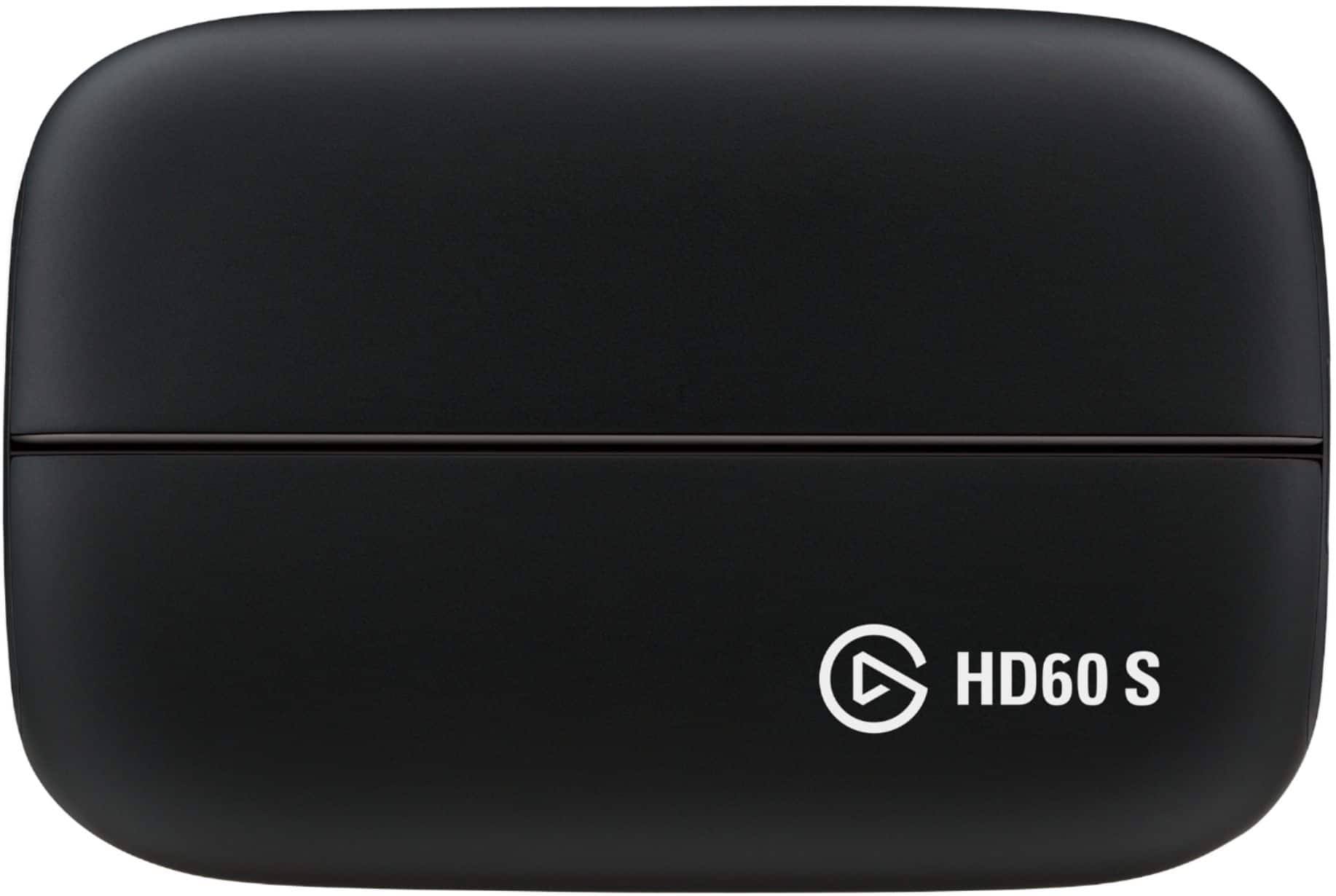
Your needs, this model
Does it fit your priorities?
Is HD60 S suitable for an unencrypted 1080p60 OBS setup?
Elgato documents HD60 S capture through 1080p60, USB 3.0, HDMI input/output and a Windows OBS DirectShow setup. Its Windows requirements are legacy Windows 10 and a built-in USB 3.x port; this is a research-based fit, not a current OS compatibility promise. Confirm the exact driver, app version, USB port, source format and that the HDMI source is not HDCP-protected before relying on a second-hand unit.
Explore this need in the finder →Does HD60 S accept analog video or a microphone?
No analog video input is documented: the device's video path is unencrypted HDMI, and Elgato's comparison marks the older A/V input as absent for HD60 S. It does have a 3.5 mm analog audio line input, but the manual specifically warns this is line-in, not a microphone jack. A retro console with composite/component video therefore needs a separate verified converter path, and a mic needs its own appropriate input.
Explore this need in the finder →Can HD60 S keep a 4K or high-refresh display signal while recording?
Elgato's current comparison lists no 1080p240/1440p144 passthrough for HD60 S, and the model's documented capture ceiling is 1080p60. Its older comparison describes HDMI output but does not substantiate a 4K60 or high-refresh passthrough mode. Treat an HD60 S as an HD-class device and look to HD60 S+ or another exact model if a 4K60 display path or HDR recording matters.
Explore this need in the finder →Earlier model · external USB 3.0 · 1080p60 ceiling
This is a research-based assessment of Elgato's Game Capture HD60 S, not a hands-on test. The useful case for the HD60 S is narrow: send an unencrypted HDMI feed to a Windows 10 computer over USB 3.0, record or stream at up to 1080p60, and send HDMI onward to a display. It is not the HD60 S+ and should not be treated as a 4K passthrough, HDR, or high-refresh device.
A straightforward HD route, with a host that does real work
The manufacturer's technical page lists a USB 3.0 (5 Gbps) Type-C connection, unencrypted HDMI input and HDMI output. Its supported inputs include 1080p60, 1080i, 720p60, several PAL and NTSC standard-definition formats, and interlaced modes. Elgato's supported-resolution page likewise lists capture through 1080p, with 720 × 480 as its supported 480p frame size; 640 × 480 is not supported. The product manual says its HDMI output sends the signal to a television or monitor in real time. Those facts describe an HD capture path, not a promise of high-refresh display output.
One important design distinction is that the S does not contain a built-in H.264 encoder. Elgato says it sends video over USB for the computer to process and encode. That makes the host's processor, graphics encoder, USB controller and other workload part of the setup rather than background details. When streaming and recording together, Elgato describes this model's “Stream Copy” behavior: both outputs use the same resolution, frame rate and bitrate instead of independently choosing a high-quality master recording and a differently configured stream. That is a real workflow limitation if you want the two outputs to differ.
For Windows, Elgato's current legacy setup material documents OBS Studio and selects the card as a DirectShow video-capture device. Its system page still lists Windows 10 64-bit, a built-in USB 3.x port, 4 GB RAM, and older processor/graphics requirements. Those are legacy baselines, not proof that a current Windows release will work unchanged. Check the exact driver and application release before depending on a used unit. Elgato's newer multi-app support page lists the HD60 S on Windows 10 with a minimum driver version, while an older OBS setup page says the device can only be accessed by one program at a time. Because those instructions conflict, treat simultaneous use across OBS and other apps as driver-version-dependent and verify the exact installed path rather than assuming both statements apply to every setup.
Connector details matter more than the family name
The video input is HDMI only; Elgato says HDCP-protected signals cannot be captured. Its comparison table marks the HD60 S as lacking the A/V input used by older Elgato models for PS3 or retro-video sources. Composite, component or S-Video therefore needs a separate converter path.
The 3.5 mm analog audio input is line-in, not a microphone port. Elgato lists an HDMI cable and USB-C cable in the original box, but a second-hand offer may be incomplete; check what the seller actually supplies.
Mac support is historical, not a modern promise: Elgato's June 2026 page lists macOS 10.12+, a dedicated GPU and Intel-era processor, and expressly excludes Apple Silicon. Verify the actual Mac and old Elgato software; this review assigns no OBS/macOS match.
Where HD60 S+ changes the answer
The family name is easy to misread. HD60 S+ retains USB 3.0 and 1080p60 recording, but Elgato documents HDMI 2.0, 4K60 HDR10 passthrough, up to 2160p30 capture in compatible software, UVC support, and Windows HDR recording up to 1080p60 under specified conditions. The HD60 S has none of those 4K/HDR claims. Conversely, the HD60 S+ is not a 4K60 capture card: when a 2160p60 source goes through it, Elgato says the display path remains 2160p60 while the USB capture stream is 1080p60. The two paths must not be collapsed into one resolution label.
Elgato's current comparison marks no 1080p240/1440p144 passthrough for HD60 S; its capture ceiling is 1080p60 and HDR capture is not listed. A 4K60 display, HDR recording or high-refresh pass-through need points elsewhere. Do not buy from “HD60” shorthand.
Practical checks before considering an older unit
- Match the label to HD60 S, not HD60, S+, HD60 X or HD60 Pro.
- Confirm unencrypted HDMI and a recording target no higher than 1080p60.
- Verify a USB 3.x data port, the exact driver/app versions and the host's encoding capability. Check the driver-specific multi-app guidance rather than assuming OBS can share access in every configuration.
- For Mac, verify the old Intel/dedicated-GPU requirements; Apple Silicon is excluded in Elgato's page. The 3.5 mm socket is line input, not a mic jack.
- Ask the seller to identify the model and included leads and clarify condition, return terms and warranty. Elgato records a January 2022 production stop and no further driver/firmware development, not the state of an individual unit.
The HD60 S may suit a known HD-only workflow and exact compatible host. Its clear upside is USB 1080p60 capture with HDMI output and a documented Windows OBS route. Its limits are no 4K/HDR recording, high-refresh passthrough or analog video input, alongside old software dependencies. Treat the model suffix as material.
Primary sources: Elgato's technical specifications, manual, supported resolutions, OBS setup, system requirements, model comparison, multi-app support list, driver list, and Legacy/EOL notice.
Key specifications
Key details at a glance
| Signal input | hdmi_unencrypted |
|---|---|
| Confirmed capture formats | 1080p60 / 1080p30 / 1080i / 720p60 / 720p30 / 576p / 576i / 480p60 / 480i |
| Confirmed passthrough formats | 1080p60 HDMI passthrough; higher refresh-rate passthrough is not listed in Elgato's current comparison |
| Computer connection | USB-C host link (USB 3.0 / 5 Gbps) |
| Named compatible software | OBS Studio on Windows through DirectShow (the current legacy setup guide documents this) / Elgato Game Capture HD software on Windows or supported Intel Macs |
| HDR recording | False |
| Analog audio input | 3.5 mm analog audio line input; elgato explicitly says it is not a microphone port |
Use the exact model’s instructions for operating limits, supplied equipment and version differences.
Sources for this review
Sources for this assessment
- Elgato Game Capture HD60 S — Technical Specifications
- Elgato Game Capture HD60 S Manual and User’s Guide
- Elgato Game Capture HD60 S — Supported Resolutions
- Compare Elgato Game Capture HD60 S to other Elgato Gaming products
- Elgato Game Capture HD60 S System Requirements
- Elgato Game Capture HD60 S — OBS Studio Setup
- Elgato Capture Devices and Multi App Support
- Elgato Hardware Drivers
- Elgato Legacy and End-Of-Life Products
- Elgato Capture Devices — Device comparison
Check your complete signal path
Choose the source format, desired captured signal, passthrough target, computer connection and software together. A single device must support that whole arrangement.