
Your needs, this model
Does it fit your priorities?
Can GC551G2 record 1080p60 over USB in OBS?
AVerMedia's current setup guide names OBS Studio as a third-party option and describes the device as UVC/UAC plug-and-play. Its capture table includes 1080p60. Use a USB 3.x host path; USB 2.0 is not supported.
Explore this need in the finder →Does the GC551G2 pass 4K60 to a display?
The current GC551G2 page lists up to 2160p60 HDR passthrough. That display-path ceiling does not mean 4K60 is captured: the listed capture maximum is 2160p30. Check the source, display and intended recording target separately.
Explore this need in the finder →Will the GC551G2 provide 1080p60 capture on an Apple Silicon Mac with OBS?
AVerMedia's Mac compatibility FAQ lists GC551G2 among devices compatible with M1–M4 Macs and gives 1080p60 as the maximum for the GC551G2/GC553/BU113 group in its OBS example. That is a more conservative Mac result than the card's Windows passthrough claims; verify the current macOS, USB cable and exact app version.
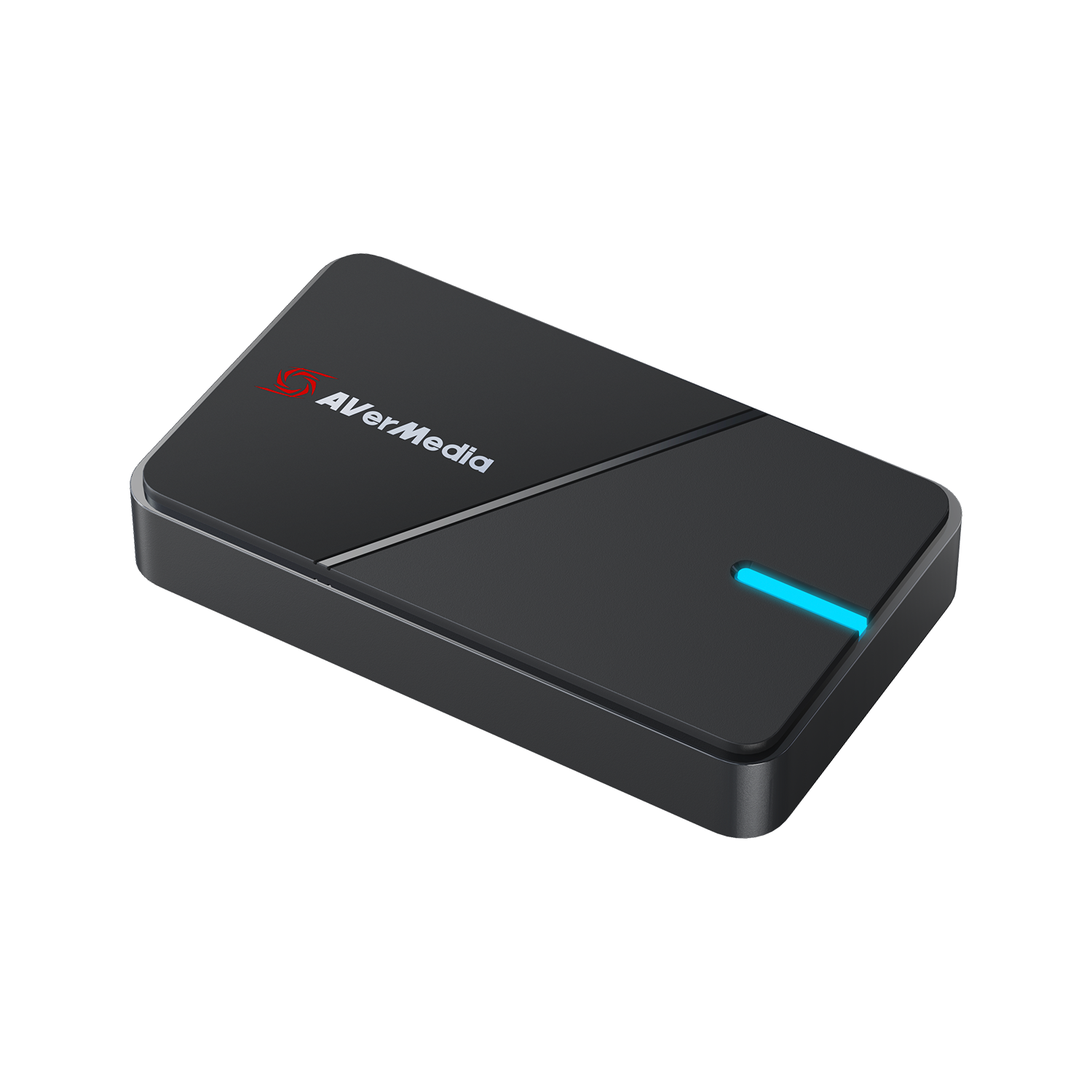
Explore this need in the finder →AVerMedia’s Live Gamer Extreme 3 GC551G2 is an external HDMI 2.0 capture unit that sends video to a computer over USB 3.2 Gen 1. The US store lists a default-finish unit under SKU GC551G2-stickerless and a separate white SKU, 61GC551G20BR. The manufacturer’s two listings describe the same GC551G2 model and port/mode specifications; the finish is the visible difference established here, not a different capture engine. This is a source-based assessment, not a hands-on test.
Capture and display are not the same maximum
The current GC551G2 technical page lists HDMI 2.0 input and output, USB-C UVC plug-and-play, maximum capture up to 2160p30, 1440p60 or 1080p60, plus HDR passthrough at 4K60, 1440p120 and 1080p240. Its VRR passthrough list is narrower: 1440p120 and 1080p120. Read those as different ceilings, not one promise that every top value works together.
AVerMedia does provide two useful combinations in its product material. It describes 4Kp30 capture while using a 4K60 HDR monitor, and QHD gameplay up to 120 Hz while recording at 1080p60. Those examples make the GC551G2 easier to assess than a page showing only independent maxima. They still do not establish that 1080p60 capture is paired with every 4K60 or 1080p240 passthrough mode. The built-in finder therefore returns the card for those single requirements but does not treat every multiple-choice combination as proven.
There is a modest documentation difference: the current product page lists 1440p60 capture, while the 2022 datasheet names 4K30 and 1080p60 in its maximum-recording line. I retain 1440p60 only as the current product-page ceiling; it is not an option in this site's questionnaire, and it does not affect the shortlist rules. For a 4K60 recording requirement, the GC551G2 is not the documented answer: its maximum capture row is 4K30. Protected HDCP video also cannot be captured.
Ports, sound and setup checks
The device accepts HDMI 2.0 and provides HDMI passthrough, with a 3.5 mm line input and output in addition to HDMI audio. The US package list includes a USB-C-to-A cable, an HDMI 2.0 cable and a quick-start guide. It does not support USB 2.0, so check that the host connection is a working USB 3.x port rather than assuming any USB-C connector supplies the needed data path. The manufacturer's system notes recommend an Intel chipset, a detail worth checking on older or unusual laptop docks.
AVerMedia identifies UVC/UAC plug-and-play behavior, and its GC551G2 setup guide names OBS Studio alongside the manufacturer's Streaming Center. Windows 10/11, recent macOS and iPadOS 17 or later appear among its system requirements. AVerMedia's Mac compatibility FAQ gives a more conservative Apple Silicon example: OBS 31 on a Mac with an M1-series chip and capture up to 1080p60 for this model group. Do not transfer the Windows headline modes or HDR passthrough to an HDR recording on a Mac. For iPadOS, the product page lists system compatibility but the reviewed material does not establish a particular recording app or per-app format table.
Where it fits—and where another card is clearer
The GC551G2 is a sensible candidate to compare when a small external USB card, 1080p60 capture or a 4K30 recording with a 4K60 display path is enough. It also has analog line-in/out ports for workflows that route sound separately. Its 1080p240 figure is a passthrough capability; it should not be read as 240-fps capture. If the important requirement is a documented 4K60 recording, compare a model with an actual 4K60 capture plan, such as the distinct AVerMedia GC553Pro or internal GC573, then check the app, HDR and host conditions in those reviews.
The GC311G2 is another compact USB option, but its reviewed plan centers on 1080p60 capture beside selected display passthrough; the GC551G2 offers a different audio-port arrangement and a specific QHD120-to-1080p60 example. The HDMI 2.1 GC553G2 is a separate model with a 10 Gbps USB link and much higher Windows/Streaming Center modes, not an alternate finish or direct specification for the GC551G2. Confirm the exact model suffix and the source-to-display-to-computer path before treating similar names as substitutes.
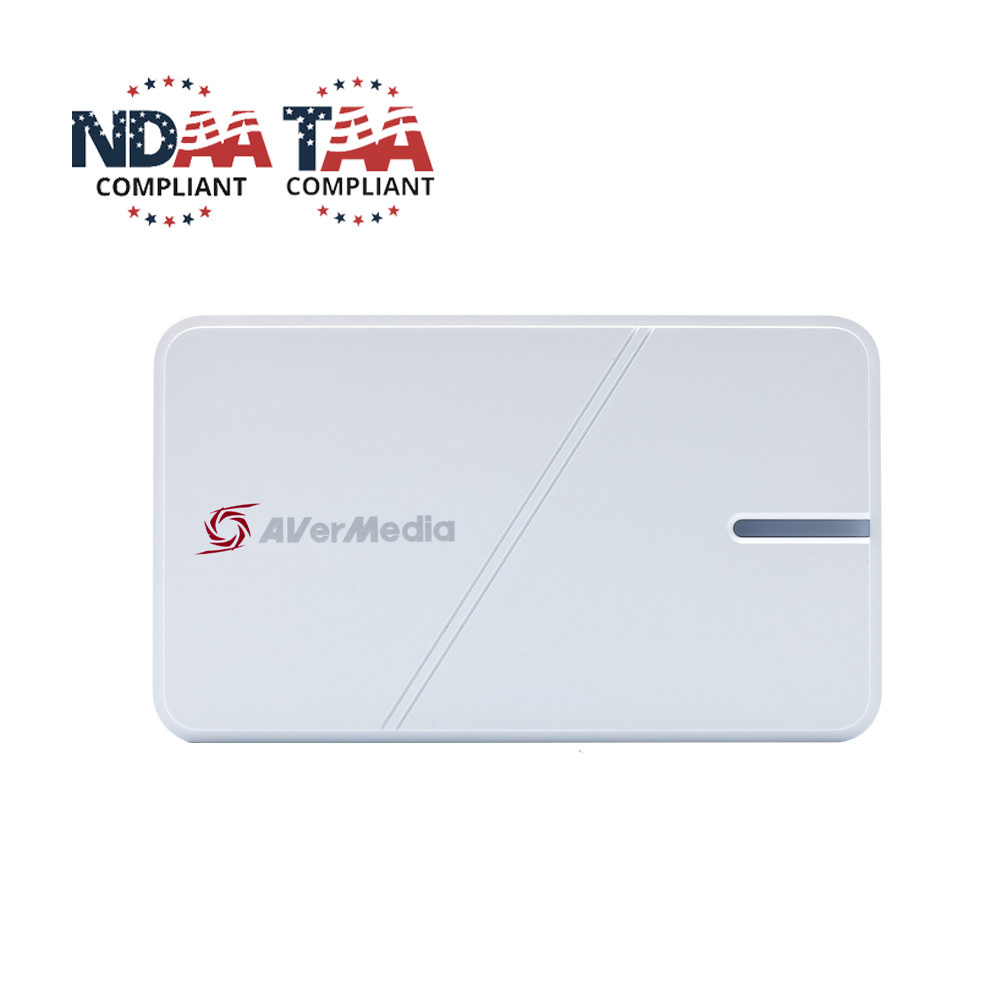
The GC551G2 review is based on current manufacturer product information, the US listings, its technical sheet and setup material. The white unit is shown separately in the figure below so a photo of one finish is not mistaken for the other. Product pages and software requirements may change; verify the exact SKU, host port, app and mode before purchasing. No ownership, latency measurement, video-quality test or current retailer offer is claimed.
Key specifications
Key details at a glance
| Signal input | hdmi_2_0_unencrypted |
|---|---|
| HDMI generation | HDMI 2.0 |
| Confirmed capture formats | 2160p30 (4K30) / 1440p60 (current product-page listing; absent from the older US datasheet maximum line) / 1080p60 |
| Confirmed passthrough formats | 2160p60 HDR / 1440p120 HDR (also VRR-listed) / 1080p240 HDR (not listed as a VRR mode) |
| Computer connection | External USB 3.x host link; check this model's stated generation and port rate |
| Named compatible software | AVerMedia Streaming Center / OBS Studio (official quick guide lists third-party use) / AVerMedia Assist Central Pro for setup/update |
| HDR recording | The current model page lists capture ceilings but does not identify a named hdr recording mode; hdr passthrough is distinct from hdr recording. |
| VRR passthrough | Yes |
| Analog audio input | Hdmi 2.0 and 3-pole 3.5 mm line-in; 3-pole 3.5 mm line-out and hdmi pass-through audio. |
Use the exact model’s instructions for operating limits, supplied equipment and version differences.
Sources for this review
Sources for this assessment
- GC551G2 Live Gamer Extreme 3 — AVerMedia US default product listing and exact listing SKU
- GC551G2 Live Gamer Extreme 3 White — AVerMedia US product listing and exact white SKU
- GC551G2 — AVerMedia technical product specifications, current capture/HDMI modes and system requirements
- GC551G2 Live Gamer Extreme 3 US datasheet, ports, older capture table, package and computer requirements
- GC551G2 Quick Start Guide, ports, setup and supplied items
- GC551G2 current setup guide: OBS Studio and third-party UVC/UAC use
- AVerMedia compatibility FAQ for GC551G2, GC553 and other capture devices on Apple Silicon
- GC551G2 default/dark product image from exact US product listing
- GC551G2 white product image from exact white US product listing


Check your complete signal path
Choose the source format, desired captured signal, passthrough target, computer connection and software together. A single device must support that whole arrangement.