
Your needs, this model
Does it fit your priorities?
Can GC535 record 4K60 while passing 4K144 to a Windows display?
The GC535 matrix lists 4K60 SDR capture from a 4K144 input/pass-through path, but the capture-format table requires a 10 Gbps USB 3.2 Gen 2 host for 4K60 NV12. The HDMI 2.1 mode must be selected for 4K144 passthrough.
Explore this need in the finder →Does GC535 support 4K60 HDR recording?
No such mode is established. The matrix marks its 4K60 capture row as SDR-only; 4K30 is the 4K capture row marked SDR/HDR-capable for listed inputs. HDR passthrough is not proof of HDR capture.
Explore this need in the finder →What changes if GC535 is connected to a Mac or 5 Gbps USB port?
AVerMedia states macOS capture is capped at 4K30. Its format table also reduces the 5 Gbps USB path to 4K30 NV12 rather than the 10 Gbps 4K60 NV12 option; check the exact host port before relying on 4K60.
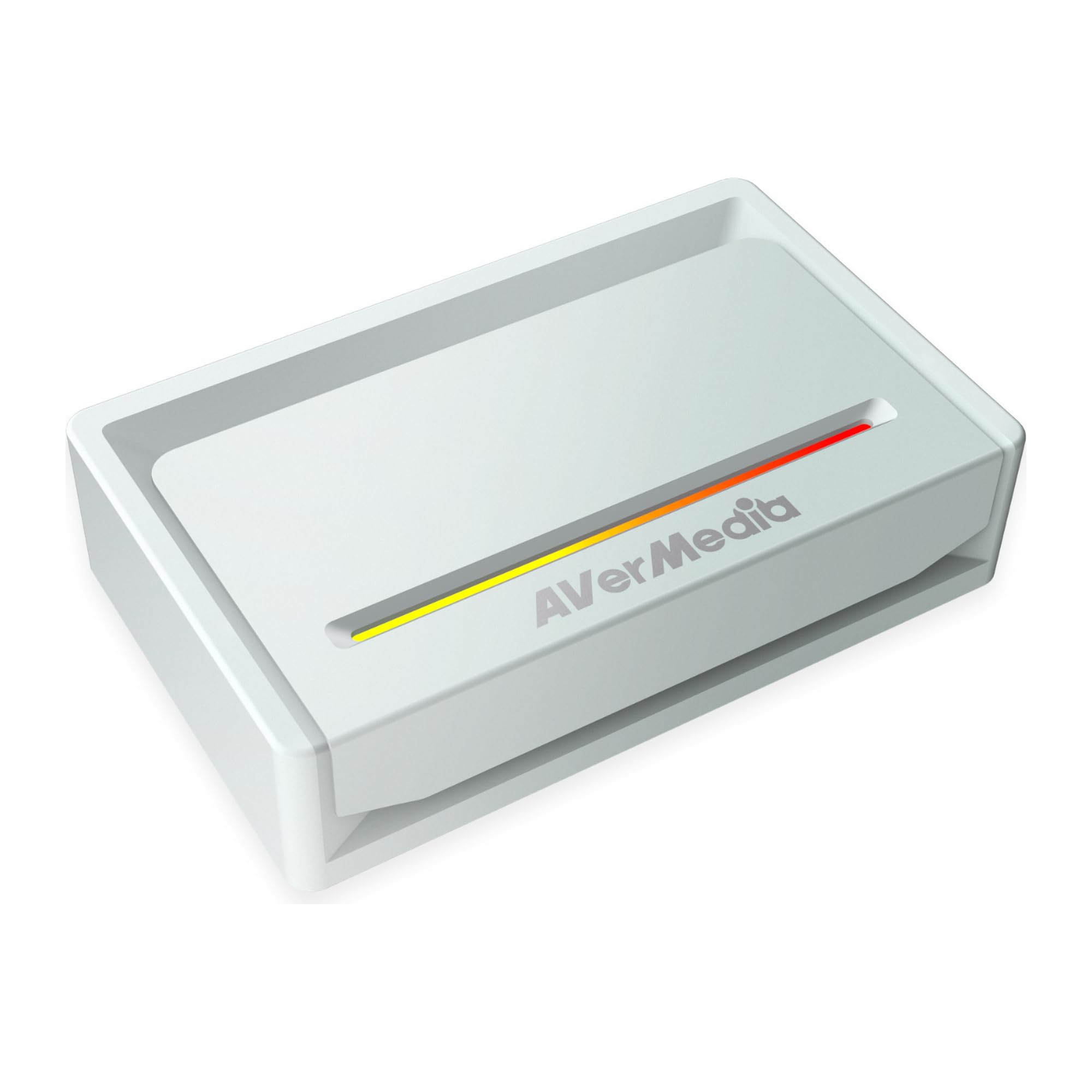
Explore this need in the finder →The GC535 Streamer ULTRA 2.1 is an external HDMI capture device with a 10 Gbps USB-C host link and a switchable HDMI 2.0/2.1 signal path. It is built around a useful separation: record up to 4K60 on a compatible Windows/USB setup, or send a higher-refresh HDMI signal through to a display. Those are not interchangeable claims, and the selected HDMI mode and USB link both affect what a host can capture.
Choose the HDMI mode deliberately
AVerMedia says the GC535 ships in HDMI 2.0 mode. To use the HDMI 2.1 path, the owner must change the mode through Assist Central Pro. In HDMI 2.1 mode, the manufacturer's ceiling is 4K144, 1440p240 or 1080p360 passthrough with HDR and VRR; HDMI 2.0 mode lists 4K60, 1440p144 and 1080p240 with HDR. The 4K144 and 1440p240 numbers describe the display leg, not what the PC records. Nor does this model claim 4K240 or 8K60 pass-through. The exact [GC535 technical page](https://www.avermedia.com/en/product-detail/GC535) names the mode switch and separate display limits.
The computer's USB port changes the recording formats
The product page and included cable identify USB 3.2 Gen 2 Type-C at 10 Gbps. AVerMedia specifically requires the host's Type-C port to support Gen 2 or faster for that link. Its capture-format FAQ also warns that format availability changes on a 10 Gbps versus 5 Gbps USB port. At 10 Gbps, the table includes 4K60 NV12 and 4K30 in formats such as YUY2, RGB24 and P010; a 5 Gbps connection narrows the 4K choices, with NV12 4K30 shown as the supported 4K entry. It is therefore risky to buy based only on a laptop having a USB-C-shaped connector: the protocol and speed matter. The bundled 10 Gbps C-to-C lead does not upgrade a slower computer port.
Operating system limits narrow the choice further. AVerMedia lists Windows 10/11 and macOS 13/14 or later, but explicitly caps macOS capture at 4K30. The questionnaire's 4K60 capture case should therefore only match the Windows Gen 2 plan, not a Mac plan. On Windows, the product's page describes UVC support and the manufacturer download page names GC535 in its OBS plug-in support list. The quick-start diagram puts the computer on USB, the source at HDMI IN and the display at HDMI OUT. Verify current firmware, compatible app versions and the specific cable/port connection before relying on a headline capture number.
Read the matrix row before assuming HDR
The paired-mode matrix adds an important qualification to the 4K capture headline. Its 4K60 capture row is marked SDR-only for the shown 4K144, 4K120 and 4K60 inputs; the lower 4K30 capture row is marked for SDR or HDR across the 4K input modes. For 1440p144 capture, the corresponding matrix cells are SDR-only. By contrast, 1080p120 capture is marked for SDR or HDR across the modes shown, including the high-refresh source modes. This means 4K60 HDR recording is not established just because the hardware passes a 4K HDR signal, and the device should not be matched to the 4K60 HDR-capture choice. The [official matrix](https://www.avermedia.com/en/support/faq/what-is-the-supported-passthrough-and-capture-resolutions-and-frame-rates-for-gc535) and [format table](https://www.avermedia.com/en/support/faq/what-is-the-supported-passthrough-and-capture-resolutions-and-frame-rates-for-gc535) answer different parts of the setup question.
Where it fits, and where it does not
Consider the GC535 when the source is unencrypted HDMI, a Windows host has a true 10 Gbps USB connection, and either 4K60 SDR recording or a high-refresh HDMI 2.1 display path is important. It is also a better documented choice than the GC531 if your planned pairing requires 4K144 passthrough alongside a lower capture mode: its FAQ matrix includes specific pair rows. Do not treat 4K144 passthrough as 4K144 capture, do not assume macOS offers 4K60 capture, and do not assume the default HDMI 2.0 setting carries every HDMI 2.1 mode. If a host is limited to 5 Gbps, follow the reduced format table before deciding. I did not operate this unit or measure frame loss, latency, image quality, heat or any computer-specific compatibility; the review is a reading of AVerMedia's current model documentation, not a performance test.
Key specifications
Key details at a glance
| Signal input | hdmi_2_0_unencrypted / hdmi_2_1_unencrypted |
|---|---|
| HDMI generation | 2.1 selectable; 2.0 default |
| Confirmed capture formats | 4K60 NV12 on USB 3.2 Gen 2; 4K30 in other listed 10 Gbps formats; USB 3.2 Gen 1 lists 4K30 NV12 only / 1440p144 and 1080p240/120/60 subject to separate USB-generation/video-format table / macOS capture maximum 4K30 |
| Confirmed passthrough formats | HDMI 2.1 mode: 4K144, 1440p240, 1080p360 with HDR/VRR / HDMI 2.0 default mode: 4K60, 1440p144, 1080p240 with HDR |
| Computer connection | External USB 3.x host link; check this model's stated generation and port rate |
| Named compatible software | AVerMedia Streaming Center / AVerMedia Streaming Center Plug for OBS Studio (Windows; manufacturer download lists GC535) / UVC capture on Windows and macOS; no Mac OBS mode table established |
| HDR recording | Matrix marks 4k60 capture sdr-only; 4k30 and 1080p120/60 capture rows are sdr/hdr-capable for their listed source modes. no 4k60 hdr recording plan is supported. |
| VRR passthrough | Yes |
| Analog audio input | Hdmi audio and 4-pole 3.5 mm headset/controller ports are described in the technical specification. |
Use the exact model’s instructions for operating limits, supplied equipment and version differences.
Sources for this review
Sources for this assessment
- AVerMedia GC535 Streamer ULTRA 2.1 — current US manufacturer listing
- AVerMedia Streamer ULTRA 2.1 GC535 technical specifications
- AVerMedia GC535 capture/passthrough matrix and USB-dependent capture-format table
- AVerMedia GC535 downloads and OBS plug-in compatibility
- AVerMedia Streamer ULTRA 2.1 GC535 quick-start guide
Check your complete signal path
Choose the source format, desired captured signal, passthrough target, computer connection and software together. A single device must support that whole arrangement.