
Your needs, this model
Does it fit your priorities?
Can the GC531 record 4K60 on a Windows USB 3.2 Gen 1 host?
AVerMedia lists a 4K60 MJPEG capture format on Windows/USB 3.2 Gen 1. Its separate mode matrix tops out at a 4K30 simultaneous capture-output row, so do not infer 4K60 capture plus 4K60 display pass-through from the two maxima.
Explore this need in the finder →Can GC531 capture 1080p60 HDR while passing 4K60 to a monitor?
The GC531 matrix marks the 1080p60 capture row as SDR/HDR-capable for the 4K60 input/pass-through cell. This is a specific documented pairing; HDR passthrough alone would not prove HDR recording.
Explore this need in the finder →Will a USB 2.0 port meet the GC531 host requirement?
No. AVerMedia specifies USB 3.2 Gen 1 Type-C at 5 Gbps and explicitly says GC531 does not support USB 2.0.
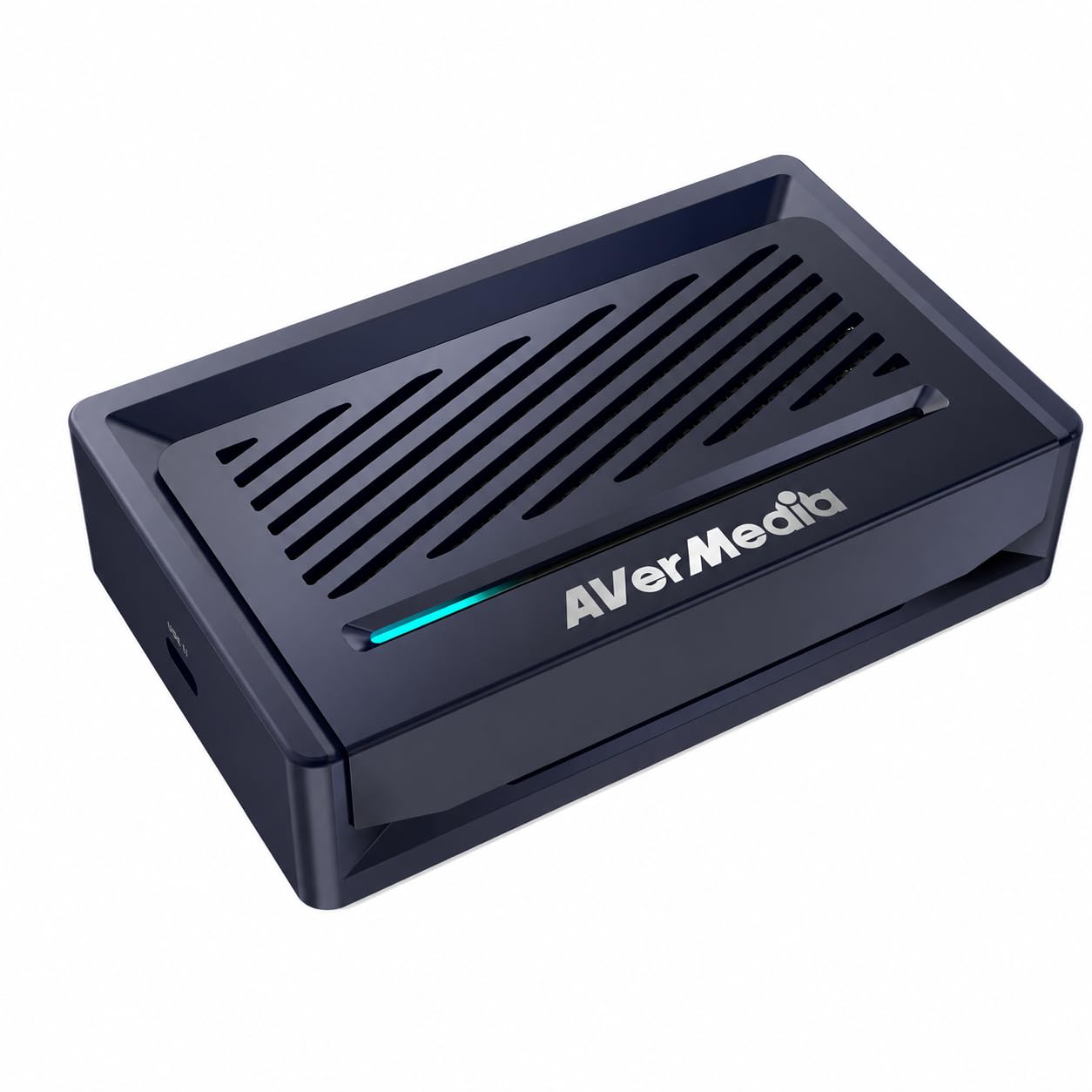
Explore this need in the finder →The GC531 Streamer ULTRA is an external HDMI capture device for a source that already outputs HDMI: it has HDMI input and a separate HDMI output for a display, while a USB 3.2 Gen 1 Type-C connection carries the capture feed to a Windows PC or Mac. That makes it a different class of product from a dock whose source enters over USB-C. The case has no HDMI 2.1 input path, so its high-refresh story should be read in the context of HDMI 2.0 and the model's own mode chart.
Capture quality is a choice of format, not just resolution
AVerMedia's capture-format table lists 3840×2160 at up to 60 fps in MJPEG, 30 fps in NV12, and 25 fps in YUY2; RGB24 and P010 are not listed at 4K. At 2560×1440, the table gives format-specific ceilings including MJPEG at 144/120 fps, NV12 at 60, YUY2 at 50, and RGB24/P010 at 30. At 1920×1080 it lists MJPEG up to 240 fps, NV12 up to 120/60 depending on selection, and YUY2, RGB24 and P010 up to 60. Those differences matter to a camera workflow that values uncompressed color just as much as a gameplay stream that values a higher frame rate. The [GC531 format FAQ](https://www.avermedia.com/en/support/faq/what-is-the-supported-passthrough-and-capture-resolutions-and-frame-rates-for-gc531) and its companion matrix should be checked together rather than reduced to one maximum.
There is also a documentation mismatch worth keeping visible. The product specification and format table state a 4K60 MJPEG capture option, while the pass-through matrix's highest capture-output row is 4K30. I treat 4K60 MJPEG as a listed capture-only mode and do not pair it with a 4K60 display path in the matcher. For paired jobs, the matrix is the more specific source: for example, it shows 4K30 capture from 4K60 or 4K30 input, and 1440p144 capture from 4K60, 4K30 or 1440p144 input. That distinction prevents a capture maximum and a display maximum from being turned into an unsupported simultaneous promise.
Display passthrough and HDR are separate questions
The manufacturer lists HDMI 2.0 passthrough up to 4K60, 1440p144 and 1080p240, with HDR and VRR support. The matrix assigns SDR-only or SDR/HDR capability to individual capture outputs: its open circles mean the output can be captured in SDR, and filled circles mean SDR or HDR capture. For example, the 1080p60 capture row is shown as HDR-capable for the listed source modes, whereas a filled passthrough maximum does not establish that every capture format is HDR. The model's official specifications place the capture/output maxima beside one another, but the [mode matrix](https://www.avermedia.com/en/support/faq/what-is-the-supported-passthrough-and-capture-resolutions-and-frame-rates-for-gc531) is needed to assess combinations.
USB and app requirements
The device uses USB 3.2 Gen 1 Type-C at 5 Gbps and does not support USB 2.0. The product page lists Windows 10/11 and macOS 13/14 or later; its quick-start guide shows the source at HDMI IN, the display at HDMI OUT and the PC on USB. AVerMedia's download page lists its Streaming Center software and an OBS plug-in that names GC531 among supported Windows devices. That is useful evidence for an OBS-centered Windows setup, although it does not mean every OBS version or third-party plug-in combination has been tested here. The manufacturer calls the capture connection UVC-based and says the device works with a preferred app on Windows and Mac, but the product page's OBS plug-in support is explicitly Windows-specific. Treat Mac platform support and the Windows plug-in claim as distinct facts.
Fit and tradeoffs
The GC531 is worth comparing for an unencrypted HDMI workflow that needs format flexibility, a 4K60 display path, or capture above 1080p60. Its tables expose real choices between MJPEG, NV12, YUY2, RGB24 and P010 rather than promising the same ceiling in every format. The tradeoff is that the highest listed capture and display modes do not simply combine: 4K60 capture is format-dependent and not represented as a 4K60 simultaneous output row in the pass-through matrix. It also remains an HDMI 2.0 product, so it is not the right answer for 4K120 passthrough or HDMI 2.1 source modes. AVerMedia's dimensions and weight are published, but I did not test thermal behavior, image quality, latency, sustained recording or any camera's exact signal output. Confirm the source's unencrypted HDMI mode, PC USB 3.x path, codec and app before treating a format-table maximum as your intended daily setup.
Key specifications
Key details at a glance
| Signal input | hdmi_2_0_unencrypted / hdmi_2_1_unencrypted |
|---|---|
| HDMI generation | HDMI 2.0 |
| Confirmed capture formats | 3840×2160p60 MJPEG; NV12 up to 30; YUY2 up to 25; RGB24/P010 not listed at 4K / 2560×1440p144 MJPEG; NV12 60; YUY2 50; RGB24/P010 30 / 1920×1080p240 MJPEG; format-specific lower ceilings for NV12/YUY2/RGB24/P010 |
| Confirmed passthrough formats | 3840×2160p60 / 2560×1440p144 / 1920×1080p240; HDMI 2.0; HDR/VRR supported per manufacturer maximum list |
| Computer connection | External USB 3.x host link; check this model's stated generation and port rate |
| Named compatible software | AVerMedia Streaming Center / AVerMedia Streaming Center Plug for OBS Studio (Windows; manufacturer download lists GC531) / UVC-supported preferred capture software on Windows and Mac |
| HDR recording | Manufacturer matrix identifies sdr-only versus sdr/hdr output cells; 1080p60 is marked sdr/hdr for listed input modes. the 4k60 mjpeg capture listing is not a listed matrix paired output row. |
| VRR passthrough | Yes |
| Analog audio input | Hdmi audio through the in/out path; separate 3.5 mm audio input is not listed in the reviewed model specification. |
Use the exact model’s instructions for operating limits, supplied equipment and version differences.
Sources for this review
Sources for this assessment
Check your complete signal path
Choose the source format, desired captured signal, passthrough target, computer connection and software together. A single device must support that whole arrangement.