
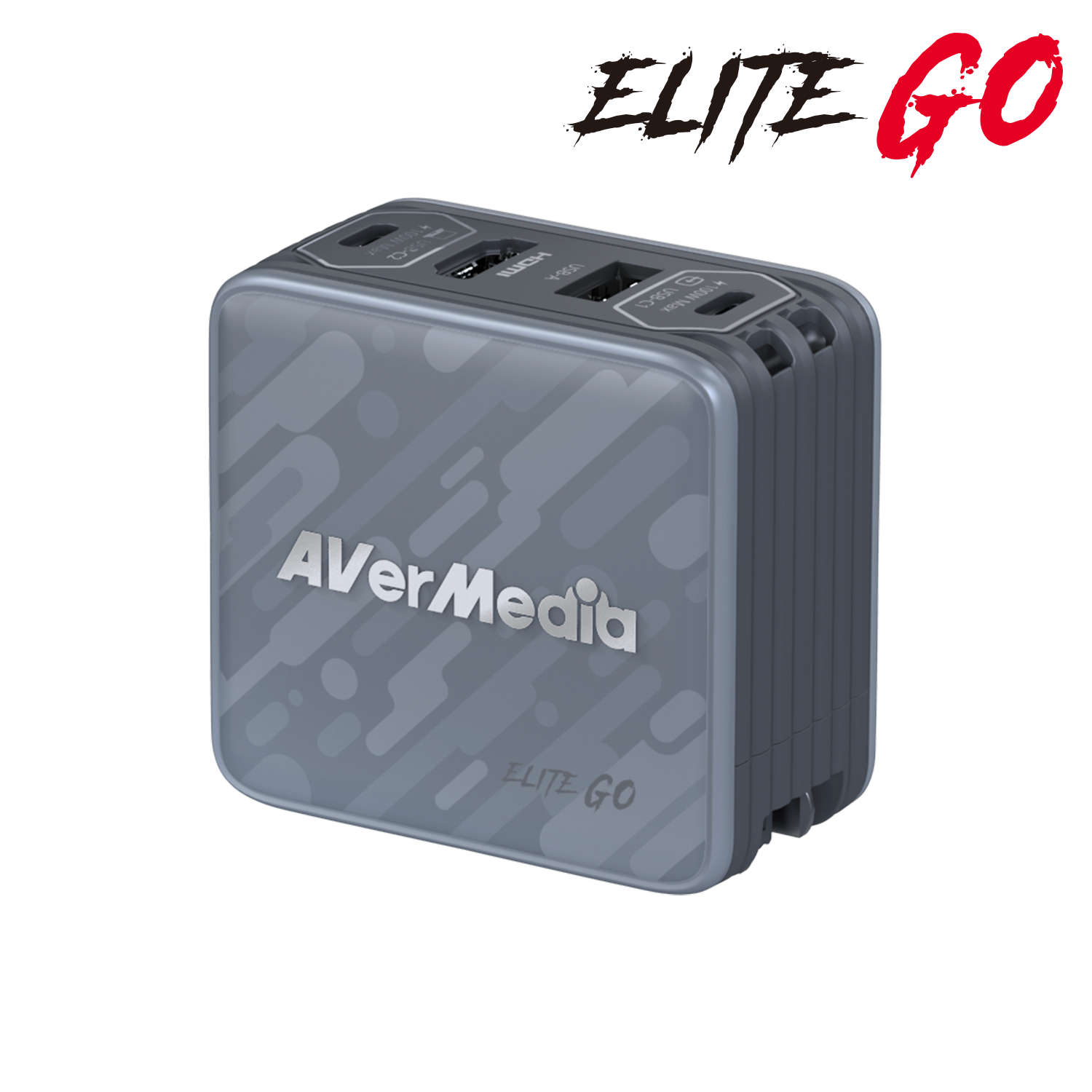
Your needs, this model
Does it fit your priorities?
Can GC313Pro record a USB-C source at 1080p60 in OBS on Windows?
AVerMedia describes a USB-C DP Alt Mode source at C1, a capture host at C2 and a Windows OBS setup at 1920×1080/60 using YUY2. Confirm the exact US C2 port generation because the manufacturer store and global technical documents conflict.
Explore this need in the finder →Does the HDMI socket make GC313Pro an HDMI-input capture card?
No. The HDMI connector is a display output. The documented source enters through USB-C1 using DP Alt Mode; an HDMI-output console/camera is not established as a supported input.
Explore this need in the finder →Does AVerMedia list iPadOS support for GC313Pro?
The global specification lists iPadOS 17 or later on a USB-C iPad. The reviewed documents do not name Elgato Capture for iPadOS or establish an exact iPad capture mode, so treat this as platform compatibility rather than an app-specific promise.
Explore this need in the finder →The GC313Pro is easier to misunderstand than a conventional capture card because the HDMI socket is its display output, not its video input. The source enters through USB-C1 using DisplayPort Alt Mode; HDMI out carries the picture to a screen, and USB-C2 is the computer-side capture connection. AVerMedia's current UK technical page and setup material describe this direction explicitly. If the source has only HDMI output, this is not the card to connect it to.
Read the signal path before the headline numbers
AVerMedia lists capture up to 1080p60, in YUY2 or MJPEG, and pass-through display up to 4K60. Those are different legs of the setup. The input is USB-C DP Alt Mode from a compatible phone, tablet or handheld; the recording host is attached at C2; and HDMI out feeds the display. The 4K display figure is also qualified: the detailed specification says HDMI 1.4 carries 4K60 using YUV 4:2:0, and the C1 DisplayPort path is described as supporting up to 4K60. That does not turn the unit into an HDMI capture input or a 4K capture device. The [official GC313Pro specifications](https://www.avermedia.com/uk/product-detail/charging-dock-GC313Pro) distinguish these routes.
A useful hybrid dock, with a meaningful document conflict
The appeal is its mix of functions: AC charging, a USB-A port, another USB-C port and HDMI display output sit in the same charger-shaped enclosure as the capture function. The manufacturer says display and USB-A functions depend on the source being connected at C1, while C2 is designated for capturing or streaming. It also documents simultaneous charging and capture. This can simplify a handheld-console or mobile-device setup when the source itself supports USB-C video output and the user wants a compact dock as well as a recording path.
There is an important uncertainty in the manufacturer material for US buyers. The current US black and white shop pages identify separate SKUs, but their listed port descriptions do not agree with the global technical page and user guide: the store listing names HDMI 2.0 and a USB-C 2.0 port, while the detailed global materials specify HDMI 1.4 and two USB-C 3.2 Gen 1 ports. The core capture workflow is consistently described, but the evidence reviewed here does not reconcile those connector-generation statements for the exact US retail SKUs. I therefore do not mark a USB 3.0-or-faster host requirement as settled for the US model, and I would confirm the exact SKU and C2 host behavior with AVerMedia before buying if the host link is a strict requirement. The two finishes are tracked as separate shop SKUs, not as separate functional reviews; the white shell is specifically described by AVerMedia as 98% post-consumer recycled plastic.
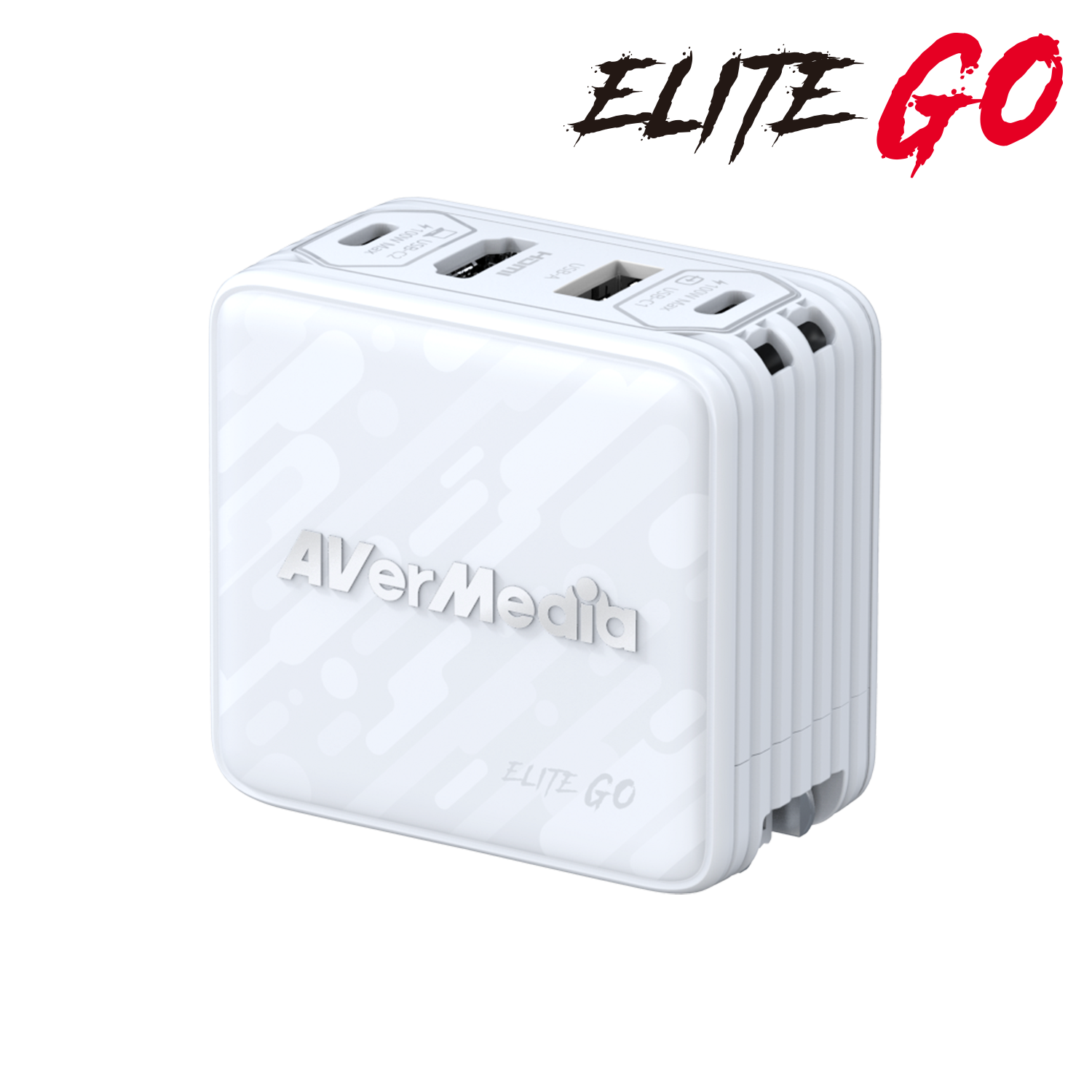
Software and platform fit need separate checks
The product page names Windows 10 or later with UVC support, macOS 13/14 or later, and iPadOS 17 or later on a USB-C iPad. AVerMedia's support instructions give a clear Windows/OBS starting point: select GC313Pro as a video-capture device, set 1920×1080 at 60 fps, and use YUY2. That is a practical documented baseline, not evidence that every mode, app or tablet workflow is identical. In particular, the system-requirements list alone does not establish Elgato Capture for iPadOS support or an iPad-specific capture ceiling.
For protected material, expect a hard boundary rather than a workaround. AVerMedia's troubleshooting material explains that HDCP can block preview from sources such as phones and tablets. The captured guide also instructs users to connect the video source to C1, the computer to C2, and a display to HDMI out. The supplied C-to-C cable is described as a 10 Gbps cable for the source connection, but that cable rating does not resolve the separate conflicting host-port specification noted above.
Who should shortlist it—and who should not
Consider the GC313Pro when the source provides USB-C DisplayPort Alt Mode, a combined charger/dock is useful, and 1080p60 capture is sufficient. It is also relevant if the same source needs a 4K60 display path while being captured at the lower documented ceiling. Do not select it for a normal HDMI-source-to-capture-card connection, 4K recording, or a known USB 3.x host requirement until the exact US port specification is confirmed. The article's product image and primary sources identify the model, but no unit was operated here: capture quality, latency, charging behavior under a particular load, and compatibility with a particular handheld are not independently tested.
Key specifications
Key details at a glance
| Signal input | usb_c_dp_alt_mode |
|---|---|
| Confirmed capture formats | 1920×1080p60 (YUY2 or MJPEG) / HDCP-protected sources are not captured |
| Confirmed passthrough formats | 3840×2160p60 display output; global detailed specification qualifies 4K60 over HDMI 1.4 as YUV 4:2:0; US storefront lists HDMI 2.0 |
| Named compatible software | OBS Studio (manufacturer Windows setup instructions) / UVC-compatible software; no exact macOS/iPadOS application was established |
| HDR recording | No hdr capture mode is established; manufacturer support materials list gc313pro among models without hdr recording. |
| Analog audio input | Stereo audio travels with the video path; no separate analog capture input is documented. |
Use the exact model’s instructions for operating limits, supplied equipment and version differences.
Sources for this review
Sources for this assessment
- AVerMedia GC313Pro ELITE GO black — current US manufacturer listing
- AVerMedia GC313Pro ELITE GO white — current US manufacturer listing
- AVerMedia ELITE GO GC313Pro product specifications
- AVerMedia GC313Pro recording and streaming support FAQ
- AVerMedia GC313/GC313Pro display and connection FAQ
- AVerMedia ELITE GO GC313Pro user manual
- AVerMedia ELITE GO GC313Pro quick-start guide
- AVerMedia GC313Pro download and setup page
Check your complete signal path
Choose the source format, desired captured signal, passthrough target, computer connection and software together. A single device must support that whole arrangement.