
Your needs, this model
Does it fit your priorities?
Can the GC311G2 keep 4K60 HDR on my display while recording 1080p60?
That is the model's clearest mixed-resolution use: the product page lists 4K60 HDR passthrough and 1080p60 capture, and the manual's chart treats the display input and captured output separately. HDR is the display-path claim; the captured 1080p60 file is not documented as HDR. Confirm the source really outputs unencrypted HDMI and the display accepts the intended 4K60 mode.
Explore this need in the finder →Can GC311G2 use a Mac as the computer that records?
AVerMedia lists macOS 14/15 or later and publishes Mac system requirements for this USB capture device. It does not list Windows Streaming Center for Mac, so use a supported Mac capture application such as the OBS workflow identified on the US listing and keep the evidence-based target modest at 1080p60. The product page's broad platform list is not a guarantee for every Mac or app version.
Explore this need in the finder →Does the GC311G2's 4K60 figure mean it records 4K60?
No. The manufacturer lists 1080p60 as the maximum capture resolution. Its 4K60 HDR figure describes passthrough to a display while the computer receives the lower captured feed; do not treat those two destinations as the same mode.
Explore this need in the finder →The AVerMedia StreamLine MINI+ GC311G2 is an external HDMI capture card aimed at a modest recording target with a more demanding display path: its published ceiling is 1080p60 capture, while the manufacturer lists passthrough up to 4K60 HDR, 1440p144 HDR or 1080p240 HDR. Those are different outputs, not a promise that the card records 4K or 240 fps. This assessment compares the current US listing, manufacturer mode table, guide and datasheet; it is not a hands-on test.
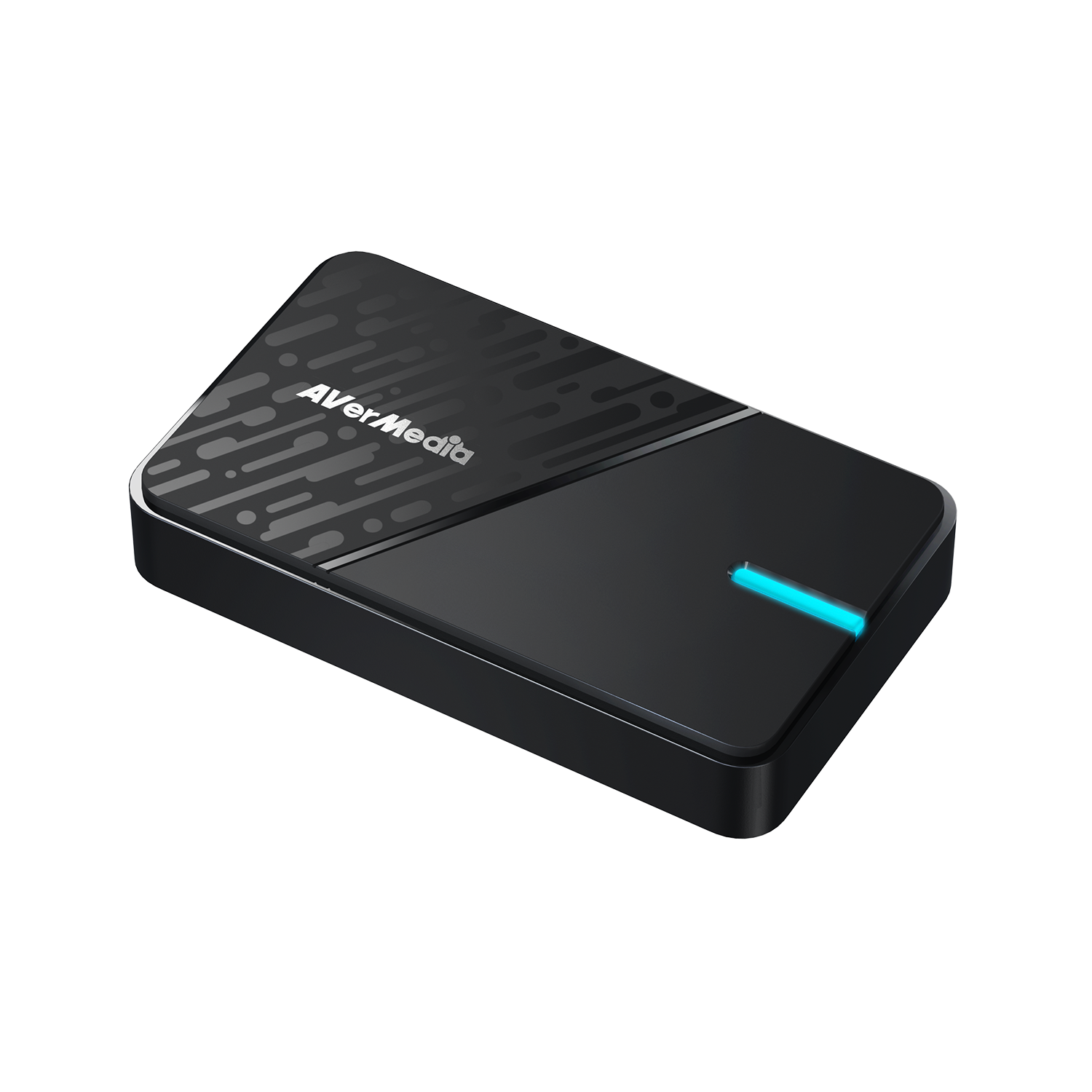
Its strongest case is split-path game capture
The StreamLine MINI+ fits a setup where a console or PC sends unencrypted HDMI into the card, the computer records a Full HD feed, and a display stays connected through the card's HDMI output. AVerMedia lists 1080p60 as the capture maximum and separately names 4K60 HDR, 1440p144 HDR and 1080p240 HDR passthrough. The mode chart exists to keep the incoming display mode and captured output distinct. It is a useful design for someone who prefers a high-refresh or high-resolution screen but does not need a same-resolution recording file.
That distinction also defines the ceiling. The product page does not document 4K recording or an HDR capture mode. HDR on the passthrough line describes the display path; it should not be carried over to the video file. If your job requires capturing 4K, preserving HDR in the recording or recording 1080p at 120/240 fps, compare a different model's exact capture rows rather than trusting a passthrough headline.
Check the USB link and supported host
GC311G2 uses a USB 3.0 Type-C host interface. A Type-C socket on a computer does not itself identify its data speed, so check the port specification and keep the card on a supported USB 3 connection. The listed package includes a Type-C-to-Type-A cable; if your host has only USB-C, a suitable cable may be needed. A hub, dock or adapter adds another point to verify because the capture device's USB path is part of its operating setup.
AVerMedia lists Windows 10/11, macOS 14/15 or later and iPadOS 17 or later, with different system requirements. The Windows documentation identifies Streaming Center, and the US product page also names OBS, CameraFi and Camo Studio. The Mac listing provides a platform and system floor but does not make Windows Streaming Center available on macOS. AVerMedia lists iPadOS support without naming a GC311G2-specific iPad capture app or a tablet mode table, so treat that as a compatibility lead rather than a complete app-and-format promise.
It is small, but the role is specific
The 112.5 × 66.1 × 20.9 mm enclosure weighs a listed 85 g. The official package lists the card, a Type-C-to-Type-A cable and a quick-start guide. HDMI input/output and audio pass-through are specified; the reviewed specification does not identify a separate analog microphone input. It is therefore best understood as a one-source HDMI capture path, not a compact multi-input mixer or an all-in-one audio interface.
Its compactness does not remove source restrictions. Protected HDMI content is not a recording source for this card. Confirm that a console or camera is outputting an unencrypted signal, check its output format, and make sure the display accepts the passthrough mode. If a source changes resolution when HDR, high refresh or a particular game mode is enabled, the mode table is more useful than an abstract “4K” label.
Where it sits in the current library
The Elgato Game Capture Neo is another Full HD capture reference with 4K60 display passthrough, while Elgato's 4K S adds a different capture ceiling and more detailed mode choices. AVerMedia's GC553Pro and GC553G2 also offer external HDMI passthrough, but their 5 Gbps versus 10 Gbps host links and source-specific mode tables make them different choices, not automatic upgrades. These comparisons come from the manufacturers' stated configurations; no model was purchased or tested side by side.
GC311G2 is the clearest fit when a known 1080p60 recording target is enough and you value a documented higher-rate display path. It is a poor match for 4K capture, 1080p240 capture, 4K60 HDR recording, protected sources or an app/host workflow that has not been confirmed. Before choosing it, write down the source's actual HDMI output, desired display mode, computer USB data rate and recording application, then compare the complete arrangement with the manufacturer table.
Key specifications
Key details at a glance
| Signal input | hdmi_2_0_unencrypted |
|---|---|
| HDMI generation | HDMI 2.0 |
| Confirmed capture formats | 1080p60 SDR capture (NV12, YUY2 or MJPEG); lower 1080p30/720p60/720p30 modes are also tabulated |
| Confirmed passthrough formats | 4K60 HDR / 1440p144 HDR / 1080p240 HDR |
| Computer connection | External USB 3.x host link; check this model's stated generation and port rate |
| Named compatible software | AVerMedia Streaming Center (Windows) / OBS Studio (named on the US product listing) / CameraFi / Camo Studio / AVerMedia Assist Central Pro for device setup/update |
| HDR recording | No hdr-capture mode is marked in the reviewed gc311g2 mode table. the hdr claim is for hdmi display passthrough, not the captured file. |
| Analog audio input | Hdmi 2.0 audio input and hdmi 2.0 audio passthrough are listed. the reviewed package/specifications do not identify a separate analog microphone input. |
Use the exact model’s instructions for operating limits, supplied equipment and version differences.
Sources for this review
Sources for this assessment
- GC311G2 StreamLine MINI+ — current US retail listing and package SKU
- AVerMedia StreamLine MINI+ GC311G2 — manufacturer technical product page
- GC311G2 User Guide — system requirements, I/O, pass-through and capture tables
- GC311G2 datasheet — interfaces, maxima, package and platform requirements
- AVerMedia HDCP guidance — protected HDMI sources cannot be captured
- AVerMedia mobile capture guidance — iPadOS input and app/HDCP caveats
- Official US GC311G2 product image

Check your complete signal path
Choose the source format, desired captured signal, passthrough target, computer connection and software together. A single device must support that whole arrangement.