
Your needs, this model
Does it fit your priorities?
Can the Io X3 capture four camera feeds in OBS?
AJA documents a four-camera HD workflow and up to four SDI inputs for OBS. The four BNC ports are bidirectional, while the HDMI input substitutes for SDI 1 in the cited OBS arrangement; this does not establish four HDMI inputs or a specific frame rate for every simultaneous channel.
Explore this need in the finder →Can the Io X3 capture 4K60 from an SDI source?
No 4K mode is listed for Io X3. AJA's exact sheet covers 2K/HD/SD through 60p; Io 4K Plus is the separate model reviewed for single-link 4K capture.
Explore this need in the finder →Will Io X3 work from an ordinary USB-C port?
No. Io X3 uses Thunderbolt 3, and USB-C connector shape alone does not establish Thunderbolt signaling. Check the host's port documentation and use a certified Thunderbolt cable; the second device port is loop-through.
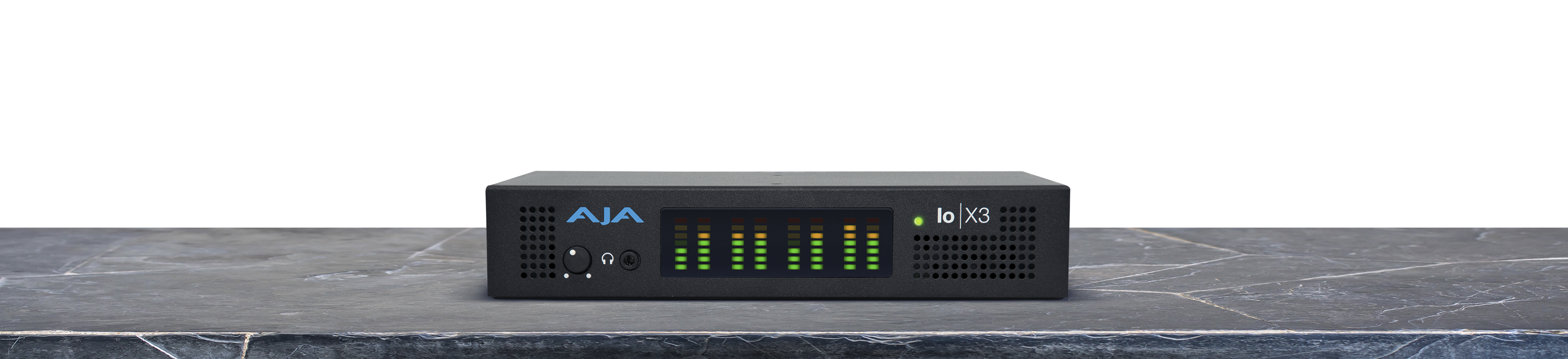
Explore this need in the finder →AJA Io X3 is an external professional I/O unit for a Thunderbolt workstation, not a small USB-C gaming capture dongle. Its four bidirectional 3G-SDI BNC connectors and HDMI 1.4b input can feed video into a host; the corresponding outputs are for production output or monitoring. AJA lists capture up to 2K/HD/SD through 60p, so this model belongs in a signal path that values professional SDI connections and a defined software workflow, not in a 4K60 shopping shortlist.
Four SDI inputs are useful, but the mode matters
The most distinctive Io X3 workflow is a small multi-camera HD setup. AJA describes four HD cameras connected to its 3G-SDI inputs and brought into OBS Studio over Thunderbolt. The current manual also says the four-input SDI configuration is limited to HD sources. That is a practical boundary: the four BNC sockets do not mean four 2K60 feeds, four 4K inputs, or every input/output combination running at the individual maximum at once. Each connector is bidirectional, so its software configuration determines whether it is receiving or sending a signal.
There is one HDMI input and one HDMI output, both in the HDMI 1.4b generation. The HDMI input can replace SDI 1 in the cited OBS arrangement; it is not an additional bank of four HDMI inputs. AJA lists formats through 2K, HD and SD, including 1080p up to 60p. Its current manual expressly excludes HDCP-protected sources on HDMI. A cable or adapter cannot turn a protected console output into a supported capture signal.
Monitoring is different from gaming passthrough
Io X3 can route application output and use its HDMI port for multiview. AJA says the device can display up to four SDI input sources on one screen, and the manual describes viewing up to four SDI inputs through HDMI when the application supports the arrangement. That is useful confidence monitoring in a production setup, but it is not a documented low-latency source-to-TV passthrough path. The finder therefore does not treat the HDMI output or SDI outputs as console passthrough formats.
AJA also describes HDR metadata capture, playback detection and HDR monitoring over SDI or HDMI. Those are meaningful post-production features, but the documentation makes HDR support application-dependent and does not establish one rate-specific HDR recording mode for every app and host. This assessment does not assign an HDR capture ceiling from a metadata feature alone. If a particular HDR input, recording format and frame rate is mandatory, verify that exact application/driver chain before choosing this device.
Thunderbolt, audio and power are part of the setup
The computer link is Thunderbolt 3. The device has two Thunderbolt connectors, with the second available for loop-through, and AJA states compatibility with later Thunderbolt generations. The ports use a USB-C-shaped connector, but the connector shape is not the protocol: an ordinary USB-C data port does not substitute for Thunderbolt. AJA recommends a certified Thunderbolt cable, and its OBS guide lists Windows and Intel or Apple-silicon macOS support for the Thunderbolt workflow. The current product page also lists Linux distributions, but Linux OBS should not be inferred from a Windows/Mac OBS guide.
For audio, SDI carries up to 16 embedded channels and HDMI up to eight. The unit adds an analog headphone output with front-panel monitoring, and it can take balanced analog audio through a DB-25 connection. The required breakout cable is not included, so budget and verify the exact loom rather than assuming standard XLR inputs are built into the box. AJA specifies 4-pin XLR power and lists an AC adapter; its published dimensions are about 8.25 by 6.28 by 1.66 inches, at roughly 1.6 pounds. It is compact for a production I/O device, not bus-powered.
Who should compare it—and what to check
Io X3 makes sense when the source is HD/2K SDI or HDMI, the host has real Thunderbolt, and the job benefits from multichannel HD, timecode/reference connections, audio handling or a production application. AJA Control Room is the manufacturer's capture application, while the product page and its v17.1 guide describe OBS compatibility. The reviewed OBS plan is one 1080p60 source; the four-camera workflow is separately described as HD without a promised per-channel maximum. Confirm the current AJA desktop release, host OS, capture app and any required channel configuration before ordering.
For a 4K/UltraHD capture requirement, compare the separately reviewed AJA Io 4K Plus; it has 12G-SDI and HDMI 2.0 input, while Io X3 stops at 2K/HD. If the only source is an unencrypted HDMI gaming device and the task needs display passthrough, a dedicated consumer capture card may be simpler to configure. Before buying Io X3, confirm Thunderbolt capability, exact SDI cabling, whether the HDMI input replaces one SDI input in the intended app, protected-content status, included AC supply, and whether the analog DB-25 breakout is actually in the seller's package.
This is a documentation-based assessment, not a hands-on test. It does not claim a measured capture rate, current stock, a retailer package, price, customer experience or compatibility with an arbitrary system. The main references are AJA's Io X3 product page, its exact specification sheet, the current v18 manual and AJA's OBS Quick Start Guide v17.1.
Key specifications
Key details at a glance
| Signal input | Four bidirectional 3G-SDI BNC ports; each is software-configured for input or output. / One HDMI 1.4b input; the OBS guide says the HDMI input substitutes for SDI 1 input in that arrangement. |
|---|---|
| Confirmed capture formats | The exact sheet lists 2048x1080p through 60, 1080p through 60, 1080i, 720p and SD formats. It does not list 4K capture; the manual says the four-input SDI arrangement is limited to HD input sources. |
| Confirmed passthrough formats | The HDMI and SDI outputs provide application-controlled output or multiview monitoring; AJA documents no consumer-console source-to-display passthrough plan for this device. |
| Computer connection | Thunderbolt 3; aja states compatibility with later thunderbolt versions. |
| Named compatible software | AJA Control Room, AJA Control Panel and current AJA Desktop Software / OBS Studio; AJA publishes an Io X3 multi-channel HD workflow and a model-specific OBS guide / AJA lists vMix and Telestream Wirecast; verify the required application, driver and version |
| HDR recording | Aja documents hdr metadata capture and 2k/hd hdr workflows, but the reviewed sources do not specify a rate-and-application combination sufficient to tag a particular hdr recording ceiling; no hdr-capture matcher mode is assigned. |
Use the exact model’s instructions for operating limits, supplied equipment and version differences.
Sources for this review
Sources for this assessment
- AJA Io X3 exact product page, workflows, OS and software compatibility
- AJA Io X3 model-specific specification sheet
- AJA Io X3 Capture, Display, Convert Installation and Operation Manual v18
- AJA and OBS Quick Start Guide v17.1, exact Io X3 and Thunderbolt workflow tables
- AJA Io family and T-TAP comparison table
- AJA Developer family product listing observed in cycle 39
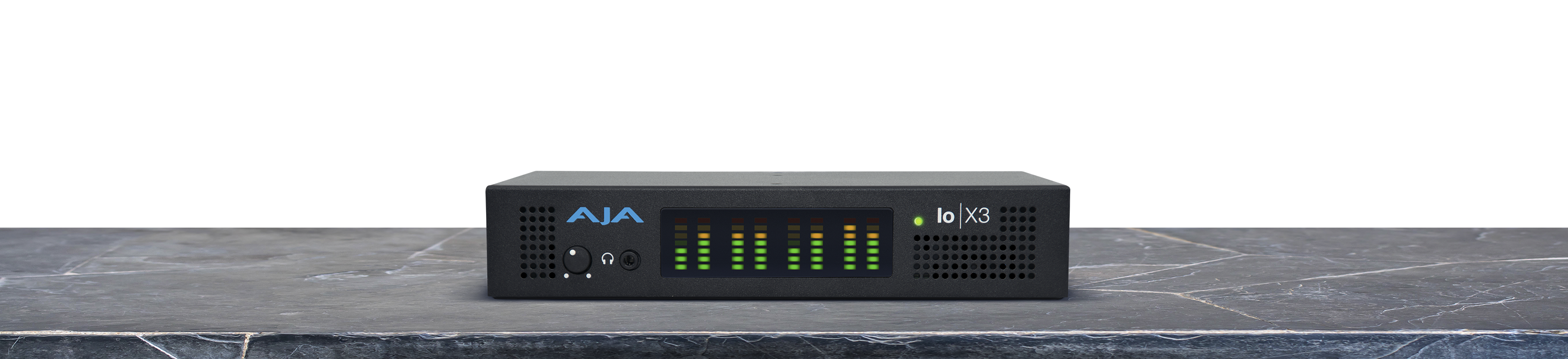
- Exact AJA Io X3 product image from its dedicated model page
Check your complete signal path
Choose the source format, desired captured signal, passthrough target, computer connection and software together. A single device must support that whole arrangement.