
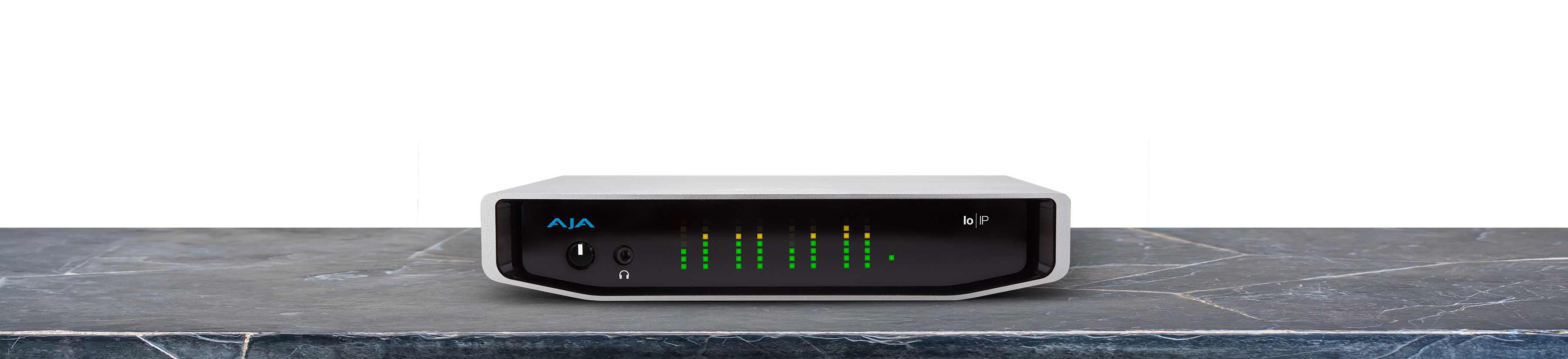
Your needs, this model
Does it fit your priorities?
Does Io IP take a camera HDMI cable directly?
No. Its capture source is SMPTE ST 2110 network video over the network interfaces. The HDMI and SDI connectors are output/monitoring paths, not HDMI or SDI source inputs.
Explore this need in the finder →What is the reviewed 4K60 route?
AJA documents 4K60 network capture using its ST 2110 workflow, including ST 2110-23, over the external Io IP’s Thunderbolt 3 host arrangement. Verify the network, timing, software and SFP configuration before relying on it.
Explore this need in the finder →Is OBS the supported app for Io IP?
AJA’s OBS Quick Start Guide v17.1 explicitly excludes Io IP even if OBS may recognize it. AJA Control Room is separately listed in the versioned AJA device documentation; verify the current driver and OS release.
Explore this need in the finder →AJA Io IP is an earlier external IP-video I/O device, not a conventional HDMI or SDI capture box. Its two 10-Gigabit Ethernet SFP+ cages receive or send video over standards such as SMPTE ST 2110 and ST 2022-6, while Thunderbolt 3 connects the enclosure to the workstation. AJA’s product title calls out SDI and HDMI output; those are local monitoring/output connectors, not the source-input standard for the capture workflow. The NTV2 record marks the device end-of-life on November 17, 2021, so this is primarily an assessment for an existing broadcast network or a carefully verified used-system plan.
Network timing, not a console HDMI cable
The model-specific specification lists UHD and full 4K formats through 60p, but its input path is IP. In the ST 2110 case, AJA documents four-channel input for 4K/HD via ST 2110-23; for ST 2110 or ST 2022-6 receiving a 2K/HD feed, the page describes a single channel. It further states that capture with simultaneous monitoring is supported only up to 2K/HD. That is a consequential ceiling: a 4K network ingest should not be described as 4K capture plus simultaneous full-rate monitoring. Our 4K60 finder plan is limited to the IP input path and does not assert HDMI or SDI ingest.
To make the card useful, the facility must provide a compatible network path, correct SFP modules, clocking/PTP, stream addressing and an application that can configure the selected IP standard. This is not just a matter of plugging an Ethernet cable into any spare port. Review the exact protocol and firmware, network bandwidth and timing requirements, and whether the source is a ST 2110/2022 sender. The frame-format table alone cannot validate those pieces.
Thunderbolt 3 and software are separate constraints
Thunderbolt 3 is the host interface; it is not the network video input. Confirm a computer with a compatible Thunderbolt controller and AJA driver path, then check how the interface and host are configured together. The current product page documents macOS and Windows host paths. AJA’s support material also indicates that the IP workflow may need its optional NMOS component, depending on the installation. Do not assume that any USB-C connector is sufficient, or that a standard video capture application will automatically discover and route a network sender.
AJA’s OBS Quick Start Guide explicitly says OBS Studio does not support Io IP, even when the device can be recognized by the host. The AJA Control Room workflow is the better documented starting point, but the precise software/firmware release and current compatibility should still be verified because this device is EOL. An HDMI cable from a console is not converted into IP input by the enclosure; an IP gateway would be another device in the signal chain and outside this assessment.
Fit and purchase checks
Io IP is relevant to a broadcast or production operator who already has an ST 2110 network and wants an external AJA I/O device. It is not a general-purpose capture card for a streamer shopping for direct HDMI input, a USB link, or gamer passthrough modes. Before evaluating any used unit, identify which IP standard and firmware are installed, whether SFP+ modules are included and compatible, how the network handles PTP and traffic, and what exact host/software version can configure the device. Also inspect the power supply, enclosure, Thunderbolt cable and seller’s return conditions.
The official sources provide model facts, not current retail availability, a price, unit condition or a successful interoperability test. The mode assessment is an interpretation of AJA’s specification table and simultaneous-monitoring note; no lab test or hands-on use is claimed.
Primary references: AJA Io IP product specifications, AJA NTV2 Io IP device record, and AJA’s OBS Quick Start Guide v17.1.
Key specifications
Key details at a glance
| Signal input | SMPTE ST 2110 / ST 2022-6 video-over-IP input through 2 x 10GbE SFP+ cages |
|---|---|
| Confirmed capture formats | 4K/UHD up to 60p over ST 2110-23; SDI/HDMI monitoring simultaneous with capture is limited to 2K/HD. |
| Confirmed passthrough formats | |
| Computer connection | Thunderbolt 3 external host connection |
| Named compatible software | AJA Control Room v16.0 documented / AJA NMOS optional component for ST 2110 |
| HDR recording | No named hdr recording mode is assigned in the reviewed model-specific table. |
Use the exact model’s instructions for operating limits, supplied equipment and version differences.
Sources for this review
Sources for this assessment
- AJA NTV2 SDK current device reference, including legacy AJA Io/KONA device entries
- AJA Io IP exact AJA manufacturer product page and technical specifications
- Exact-model AJA product image from the same dedicated product page
- AJA Control Room v16.0 manual, supported AJA I/O device list
- AJA and OBS Quick Start Guide v17.1
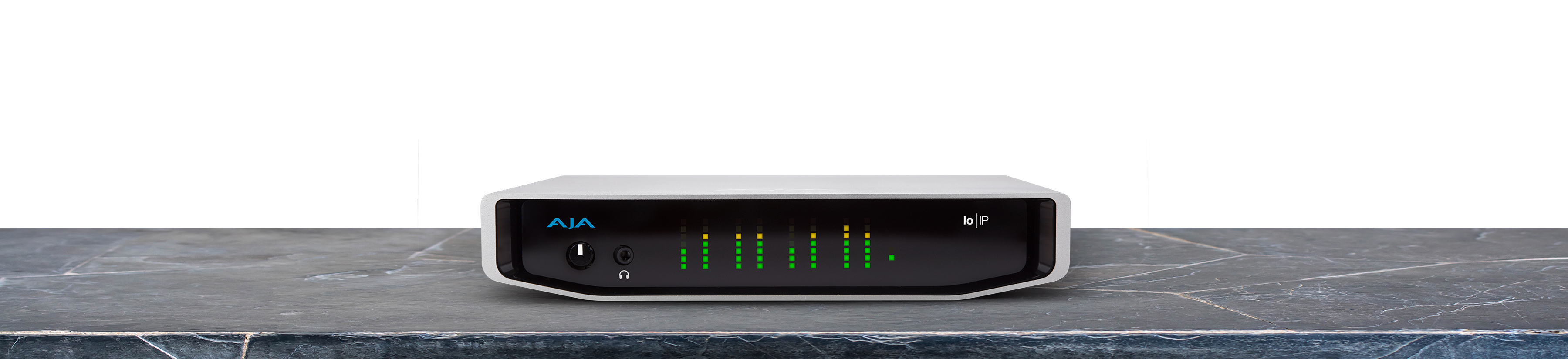
Check your complete signal path
Choose the source format, desired captured signal, passthrough target, computer connection and software together. A single device must support that whole arrangement.